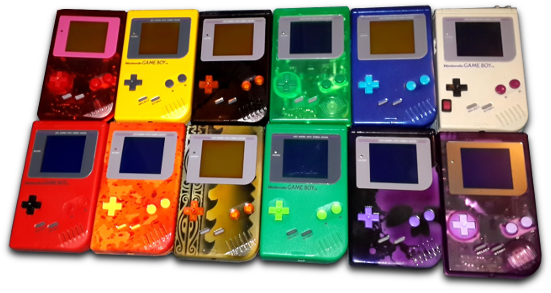
Share in Patrick's love of retro gaming!
There are lots of ways to play retro games online or with apps, and you can even install free emulator software to your computer. These are just a few links to get you started!
Play retro games online at: http://www.nintendoemulator.com/nes/
Or you can install a retro game system on your computer!
Nintendo Software: FCEUX Emulator
Super Nintendo Software: SNES9X Emulator
Get game files at Free ROMs:
If you need a little help getting things set up:
How to Install FCEUX: Tutorial 1 | Tutorial 2
How to Install SNES9X: Tutorial 1 | Tutorial 2
Hate using the up/down arrows on your keyboard?
Connect vintage controllers to your laptop: Mayflash Adapters:
Bonus Tip: You can use any type of controller with the emulator software (e.g. you can use SNES controllers with NES games). The emulators let you manually program what each button does for each game, no matter the system.
------------------------------------------------
WELCOME TO

 _____       _            _
|   __| ___ | | ___  ___ |_| ___  _ _  ___
|__   || .'|| || .'||  _|| || . || | ||_ -|
|_____||__,||_||__,||___||_||___||___||___|

                                    _
       _____                   _   | |
      |     | ___  _ _  _____ | |_ |_| ___
      |   --||  _|| | ||     || . |   |_ -|
      |_____||_|  |___||_|_|_||___|   |___|

                              PROJECTS PAGE
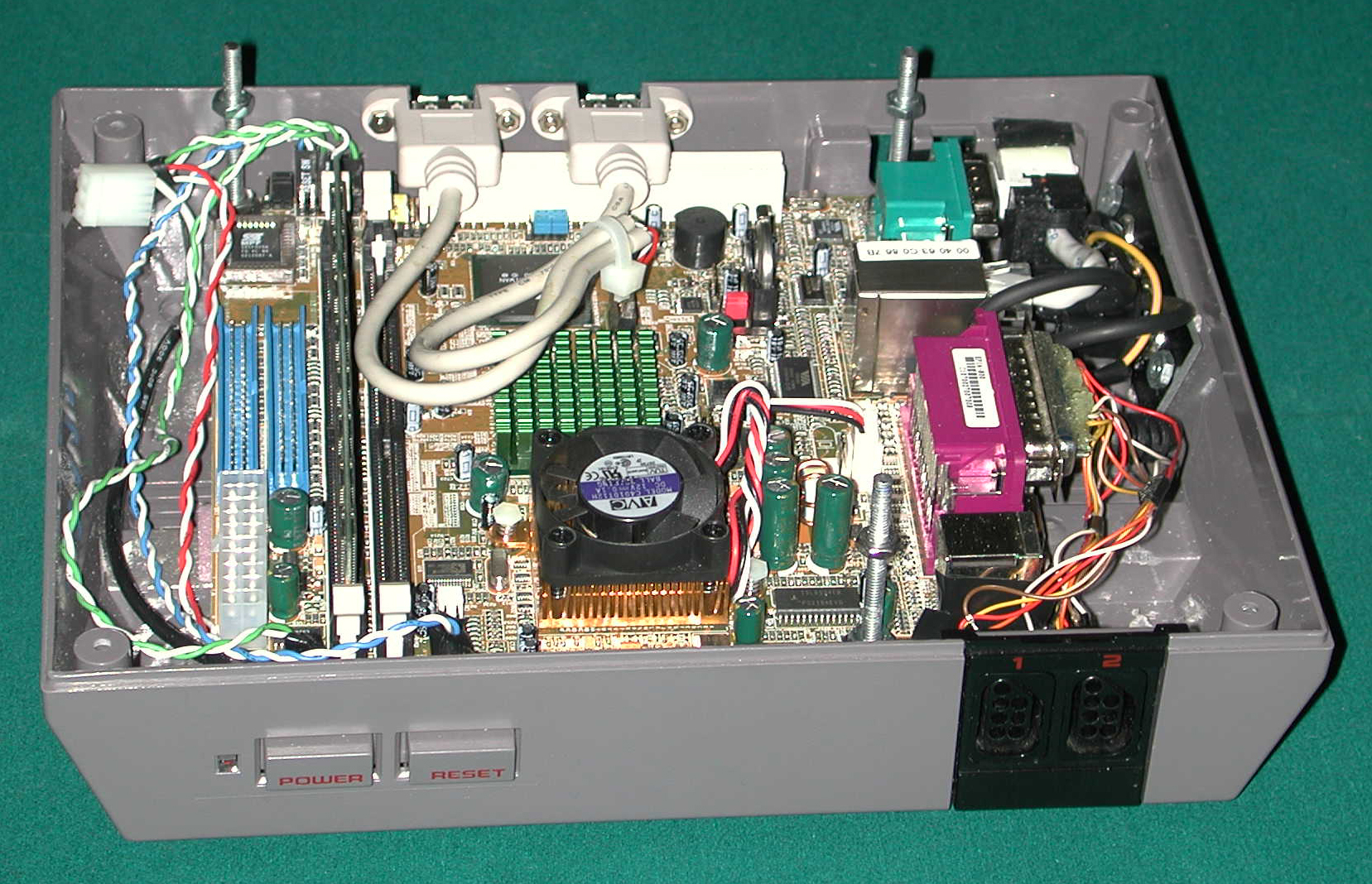
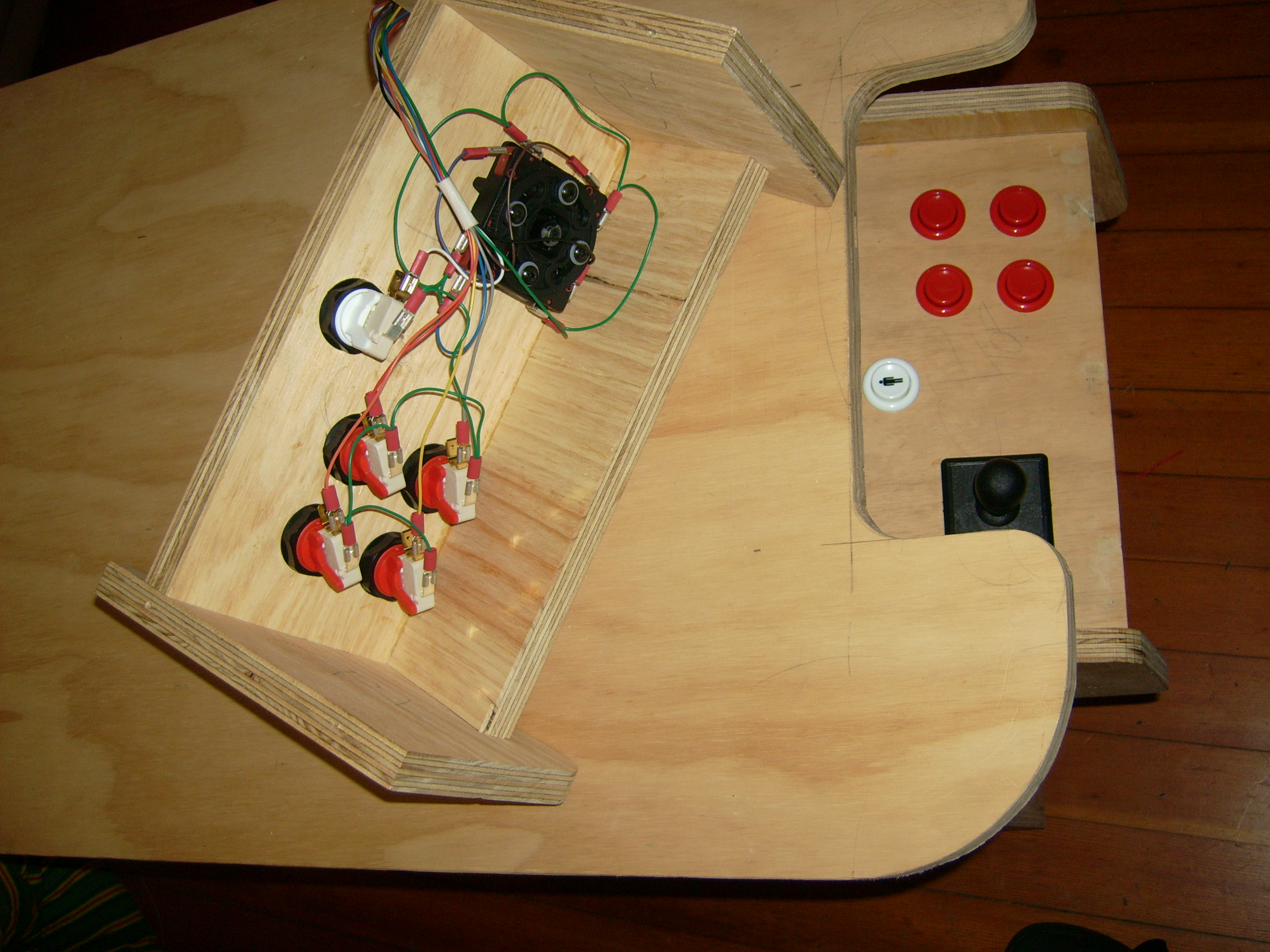
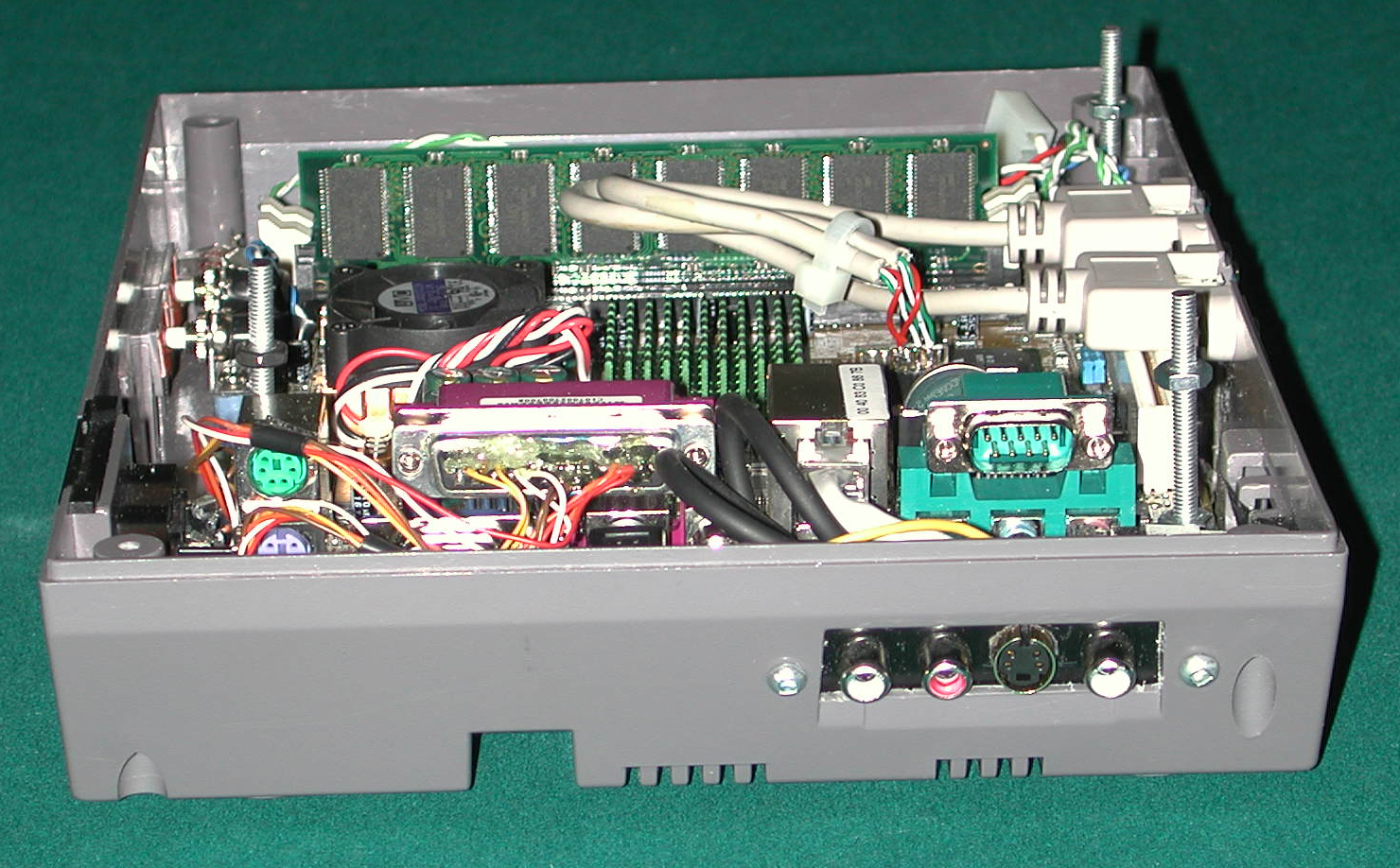
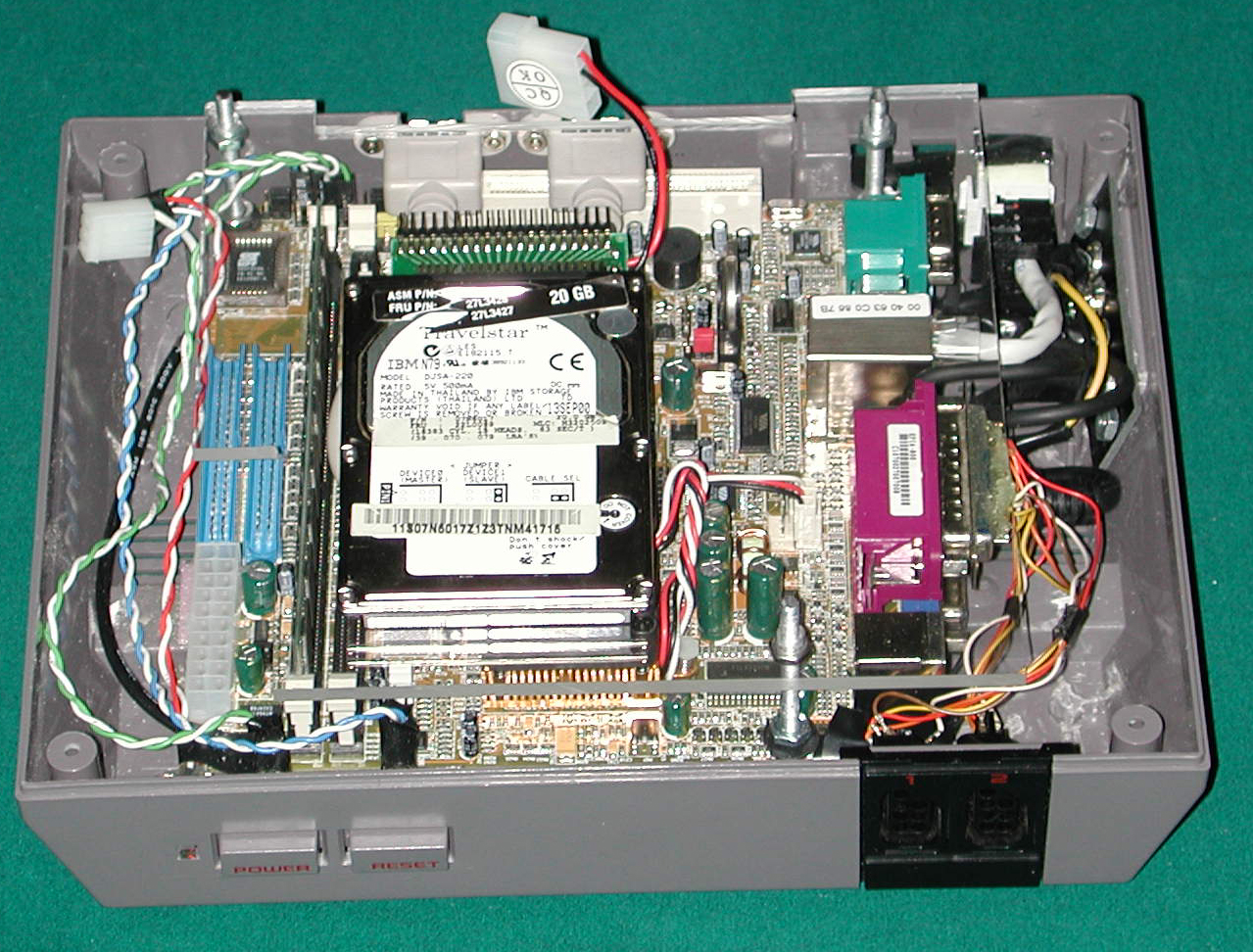
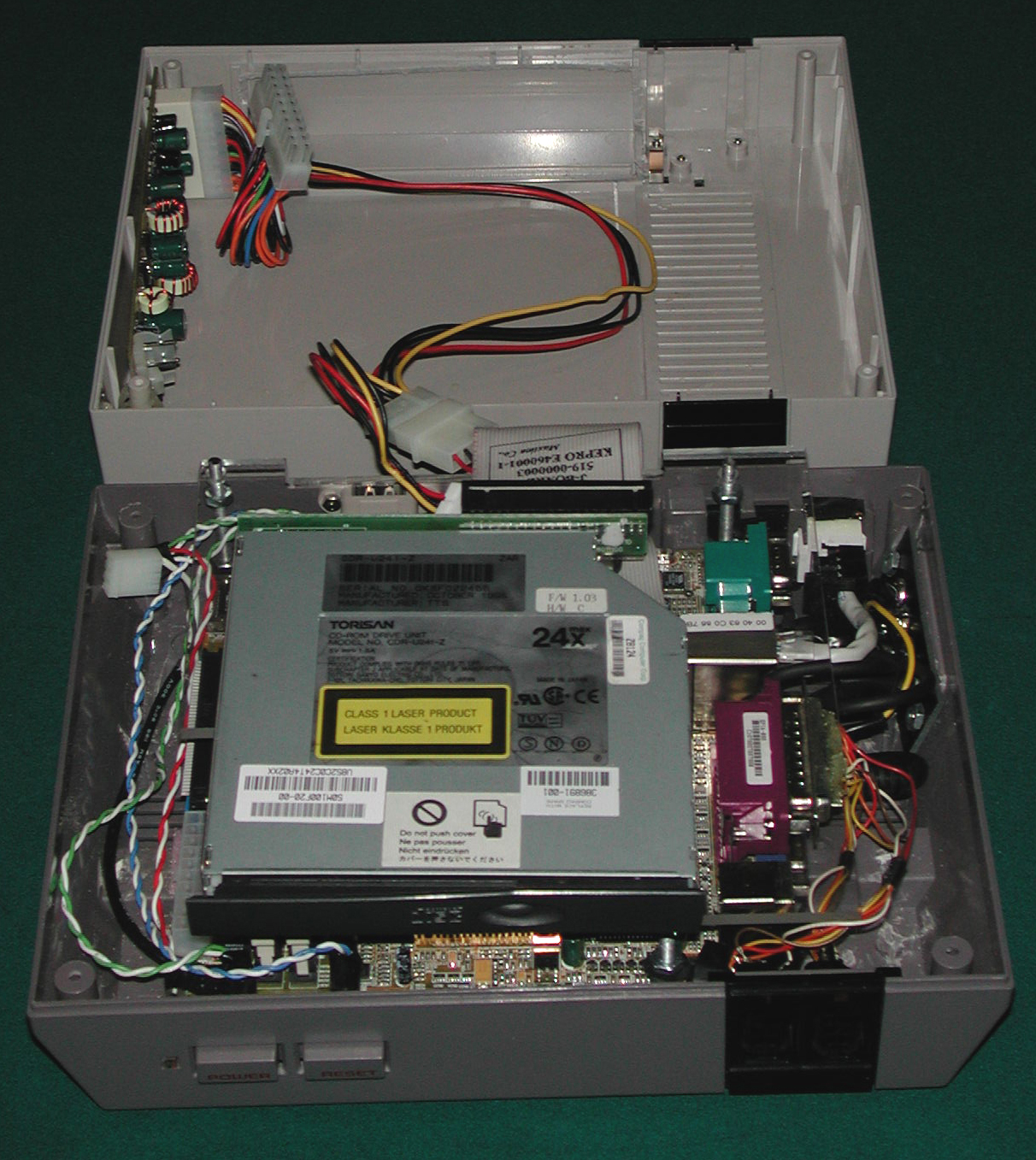
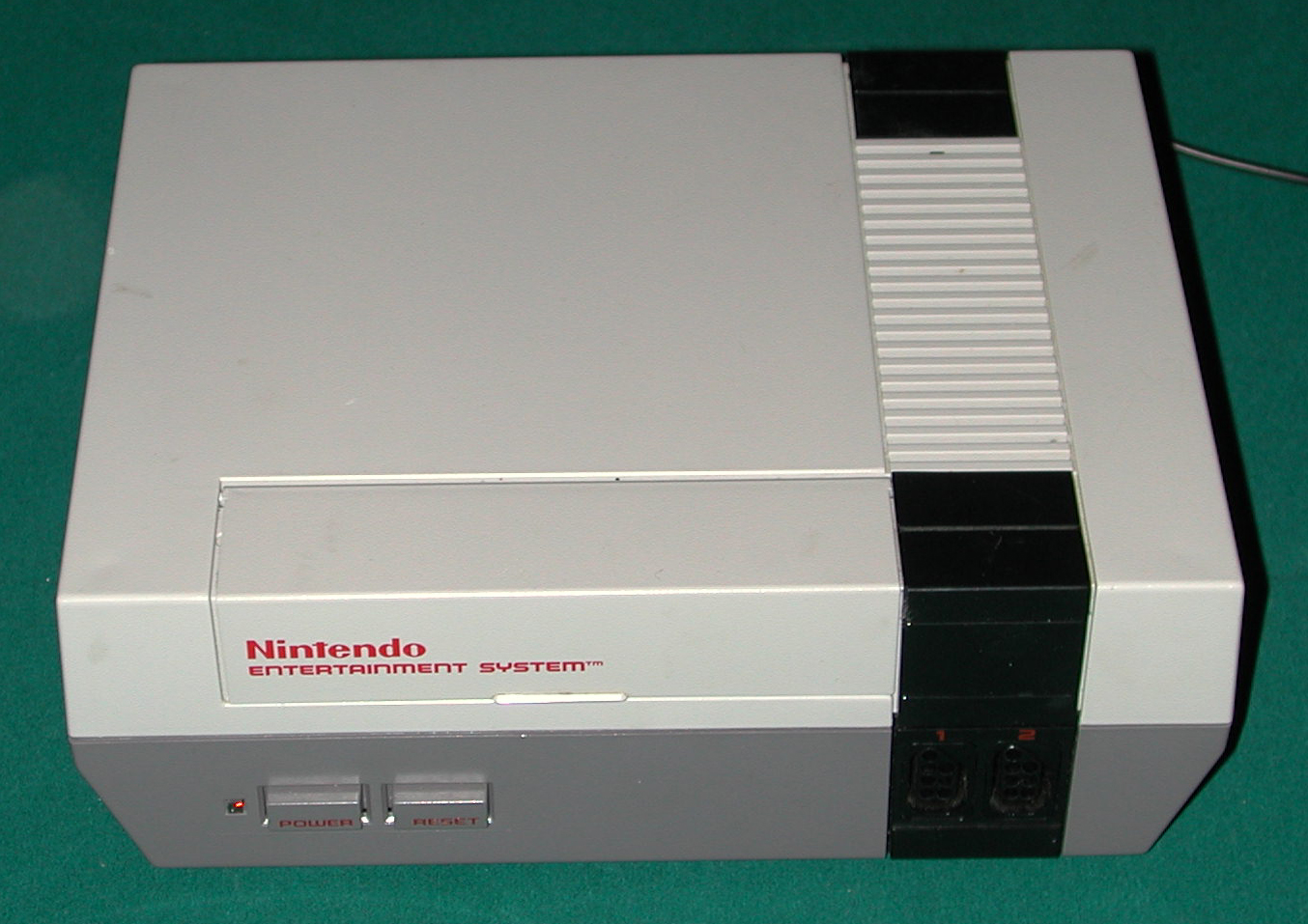
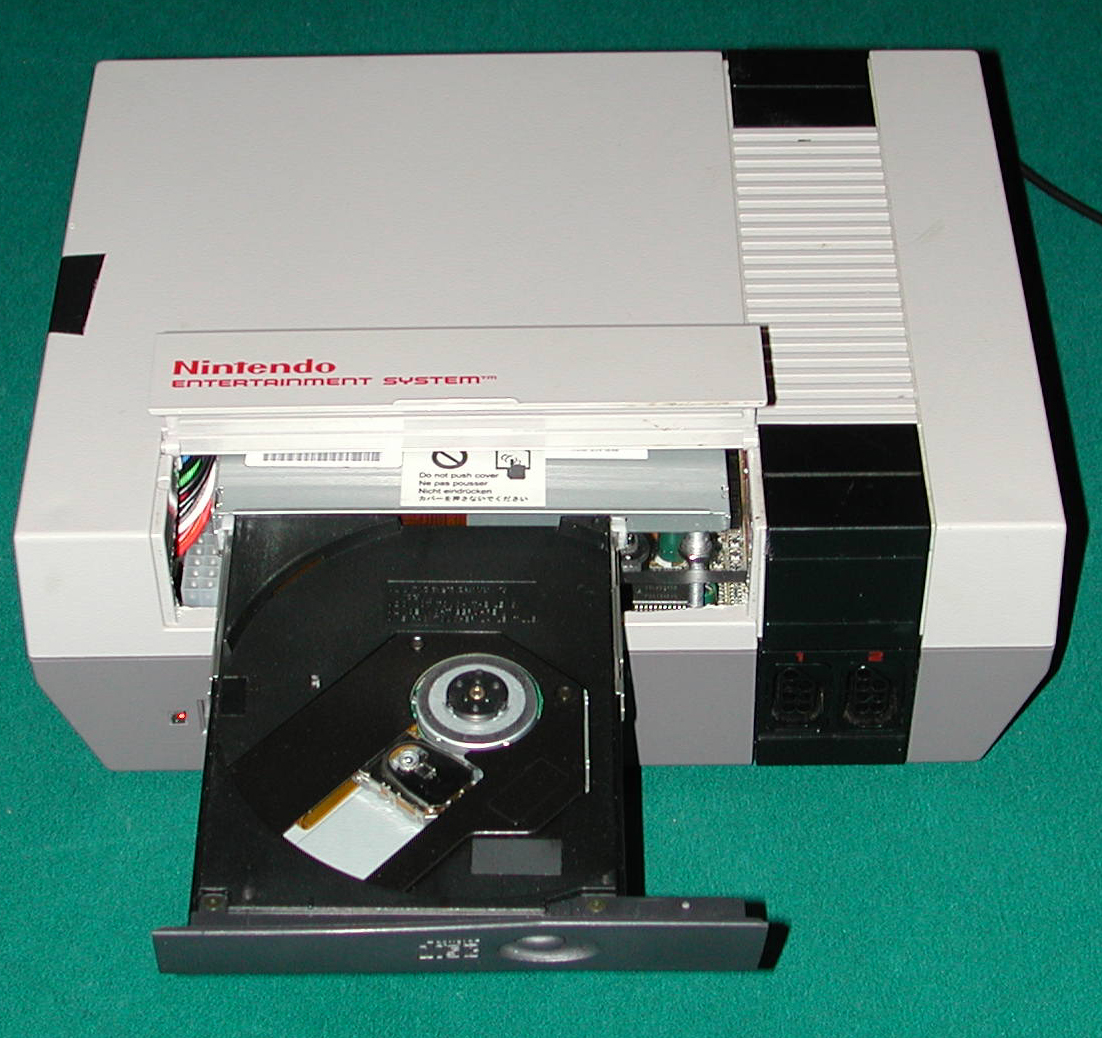
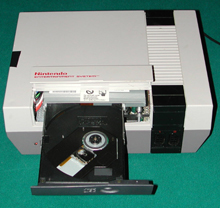
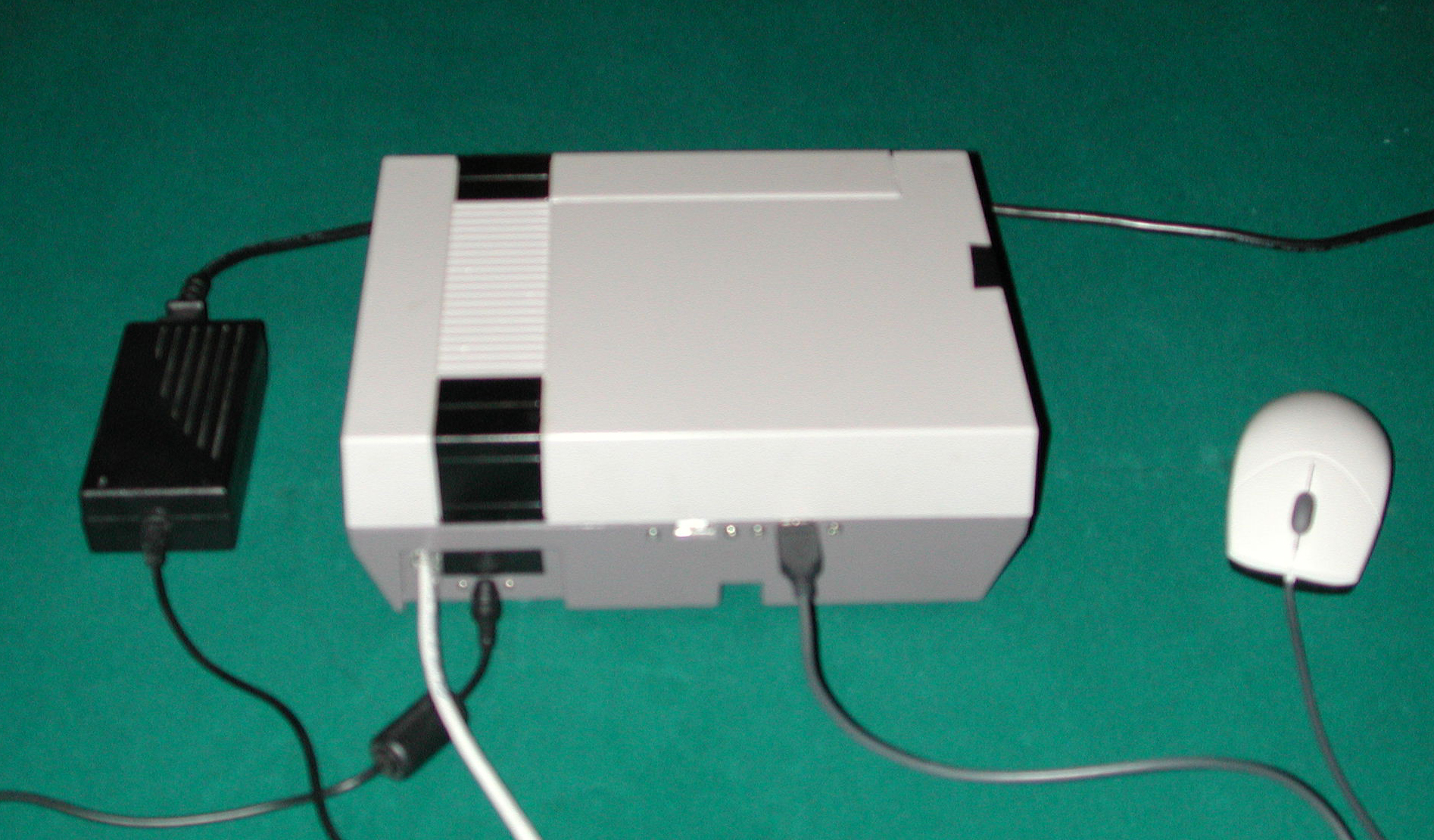
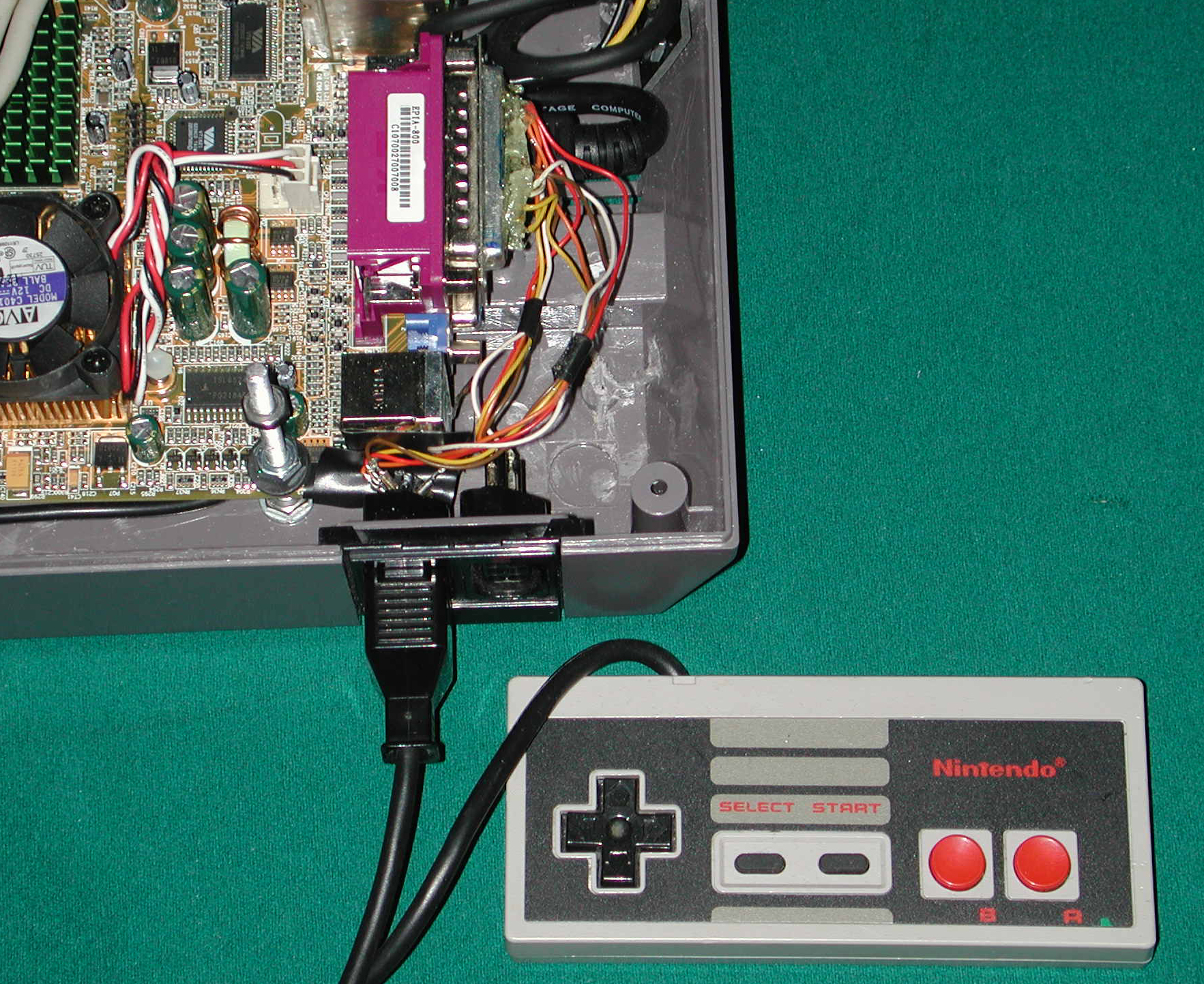
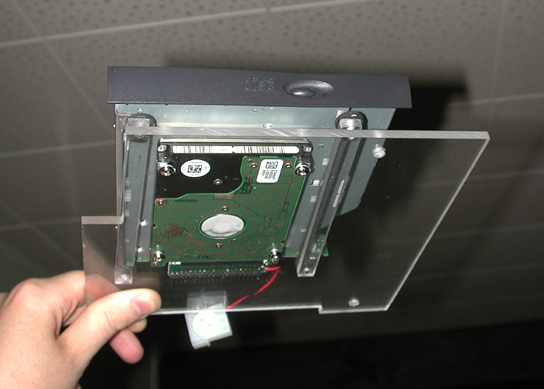
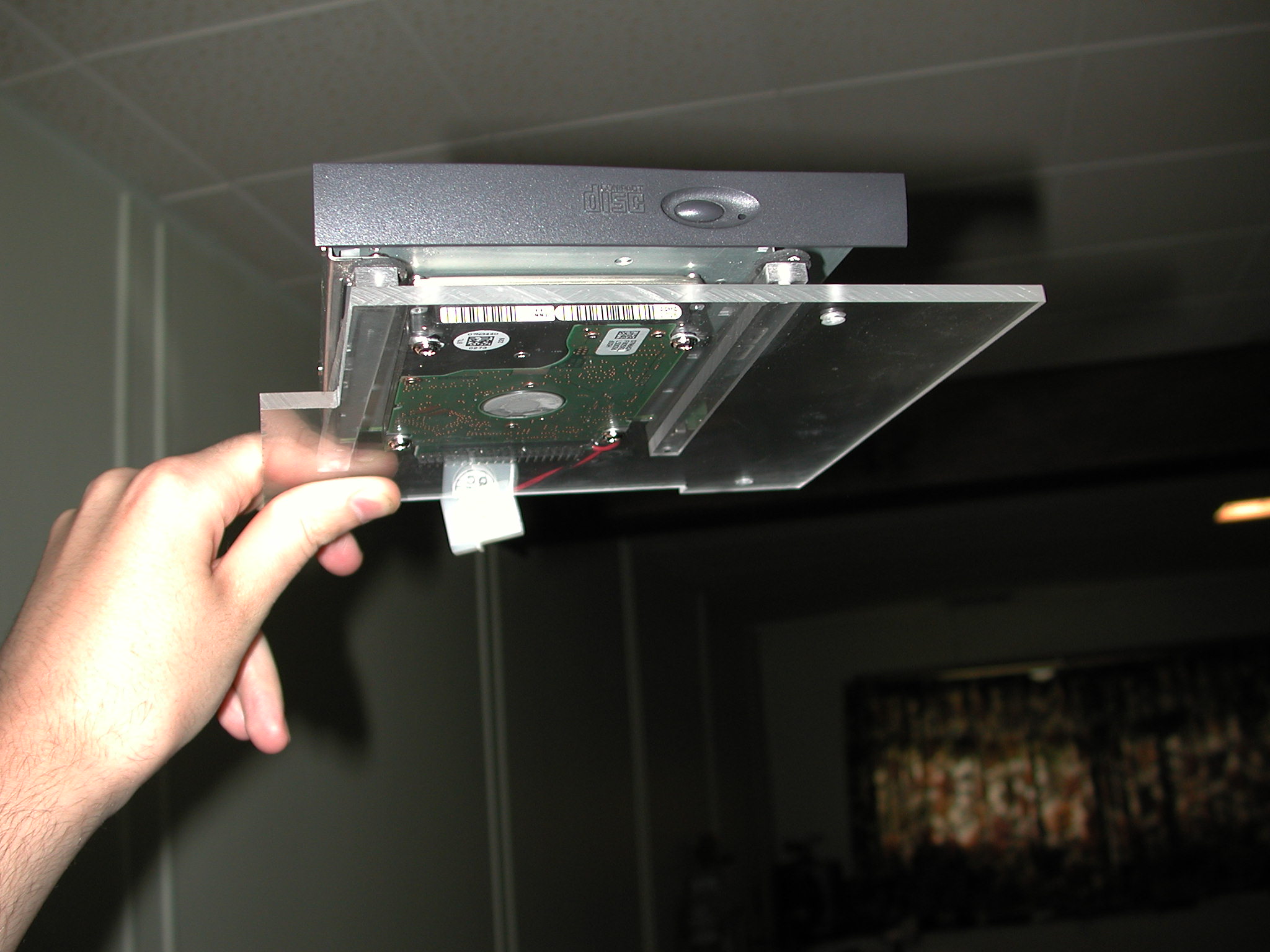
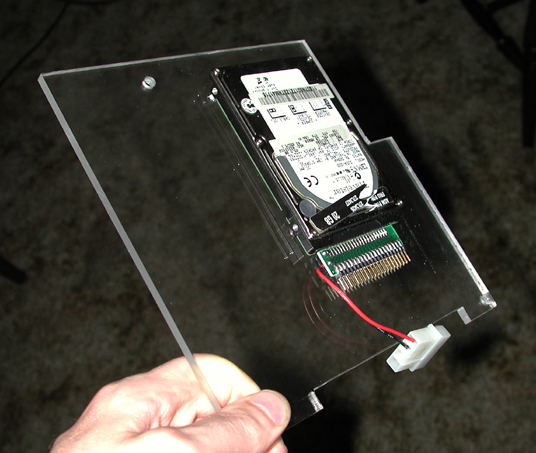
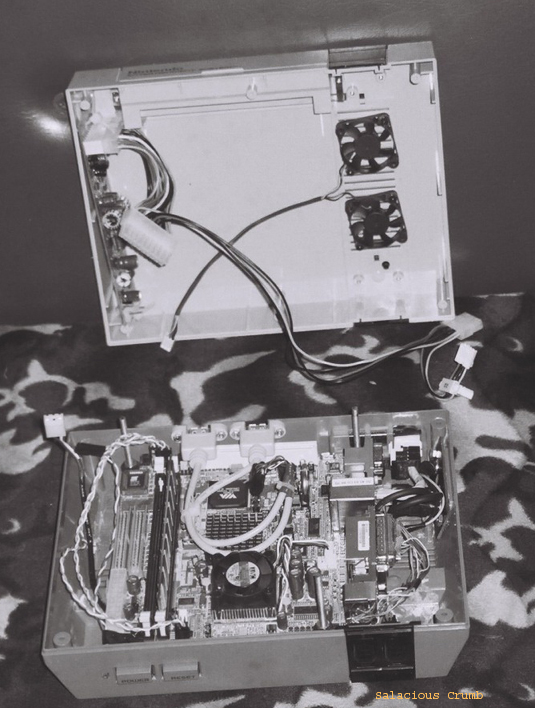
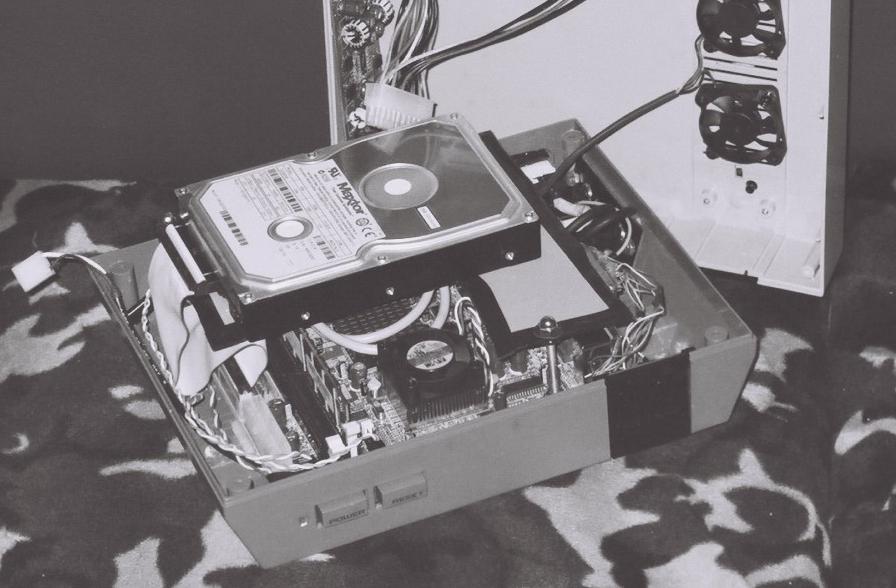
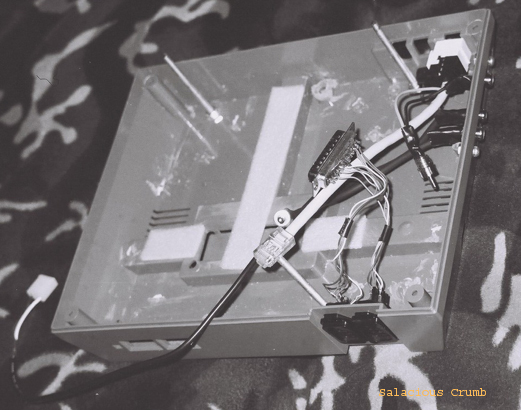
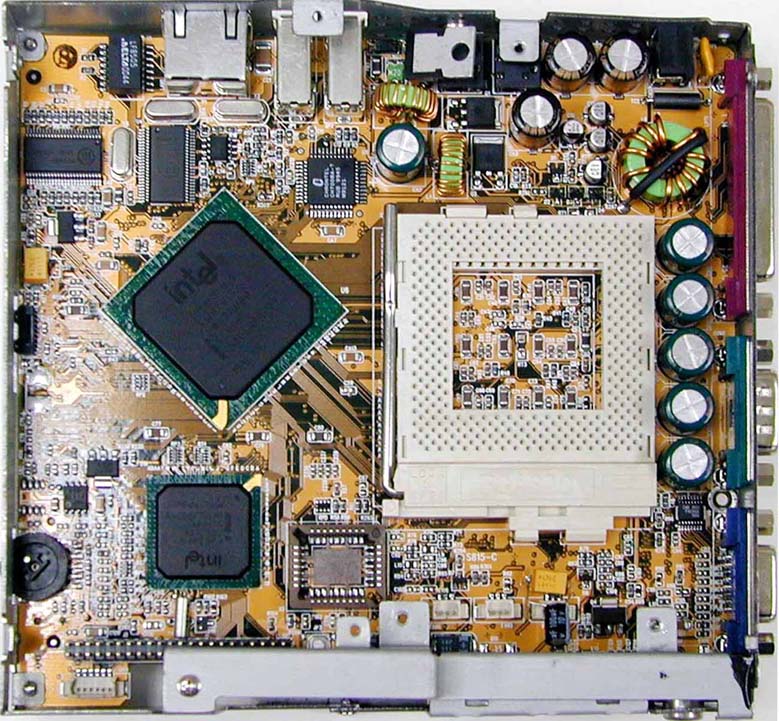
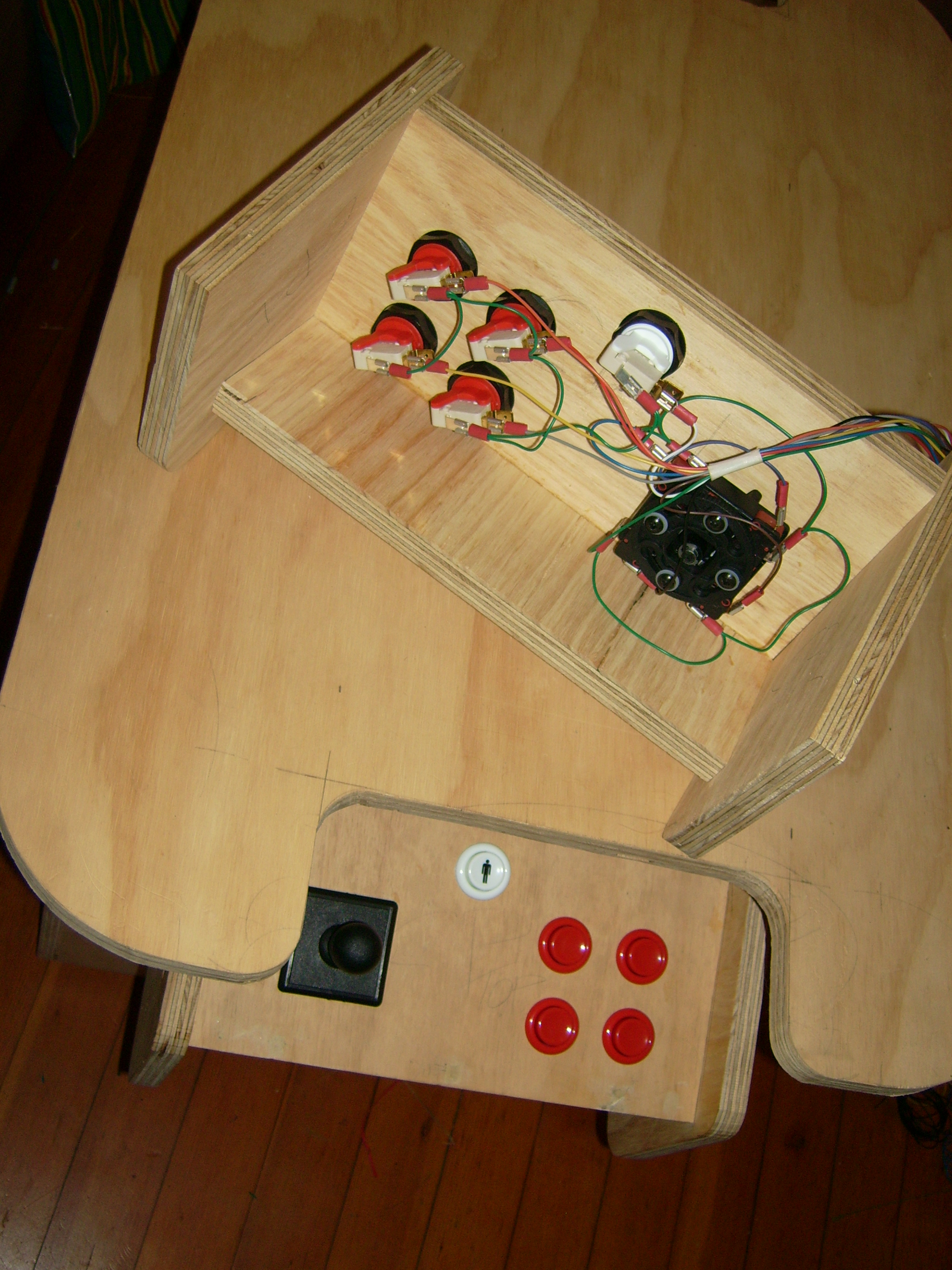
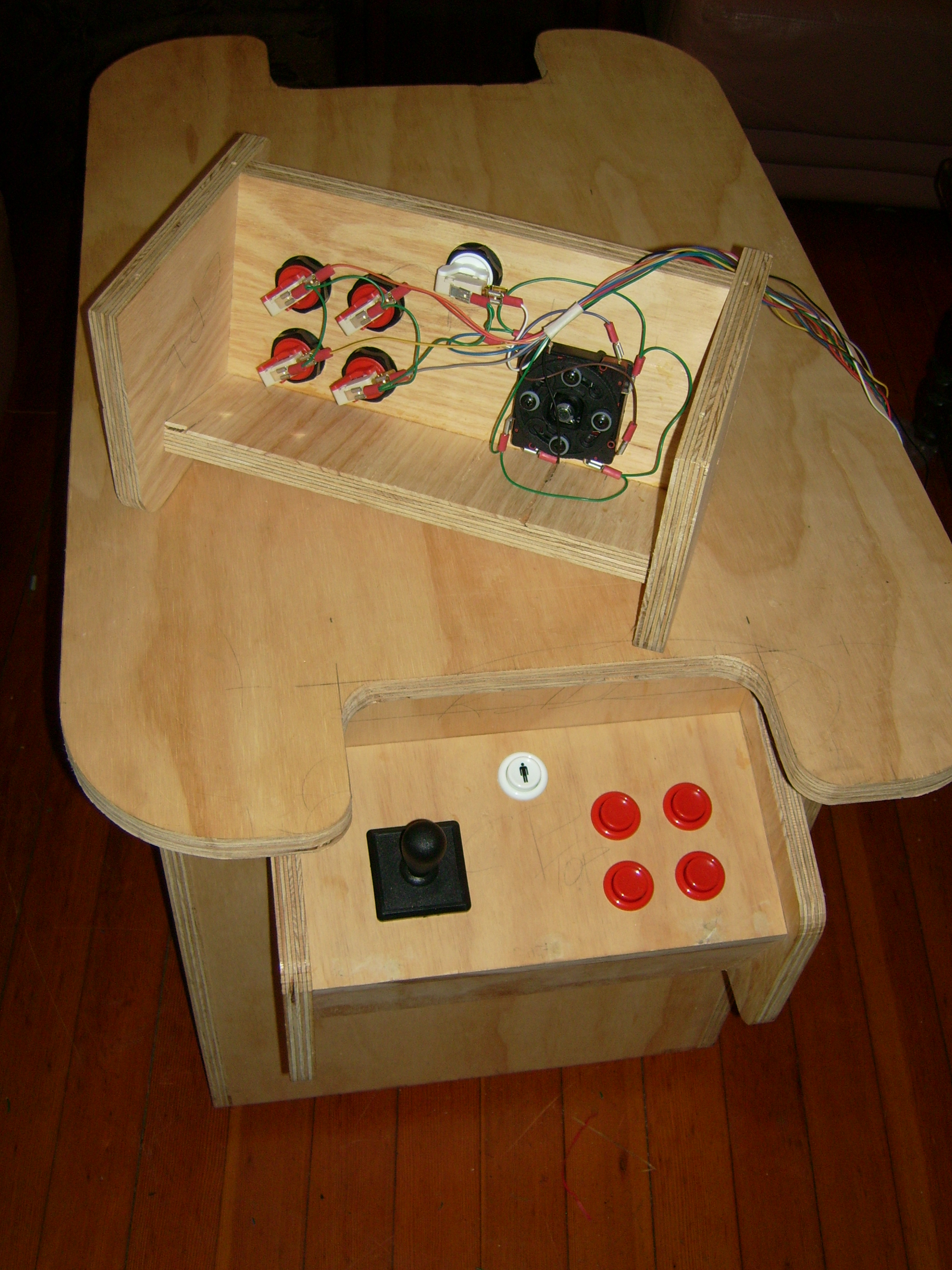
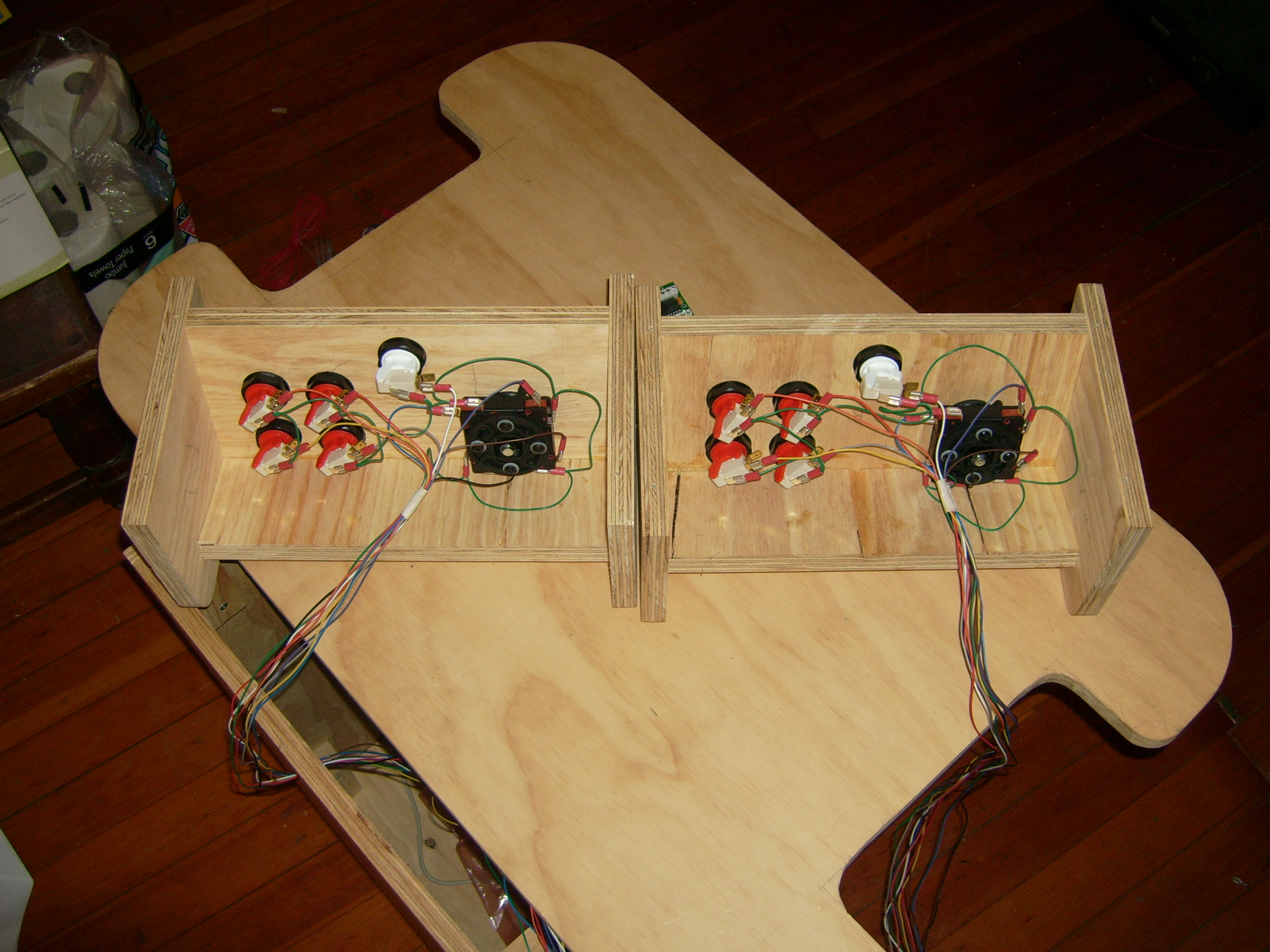
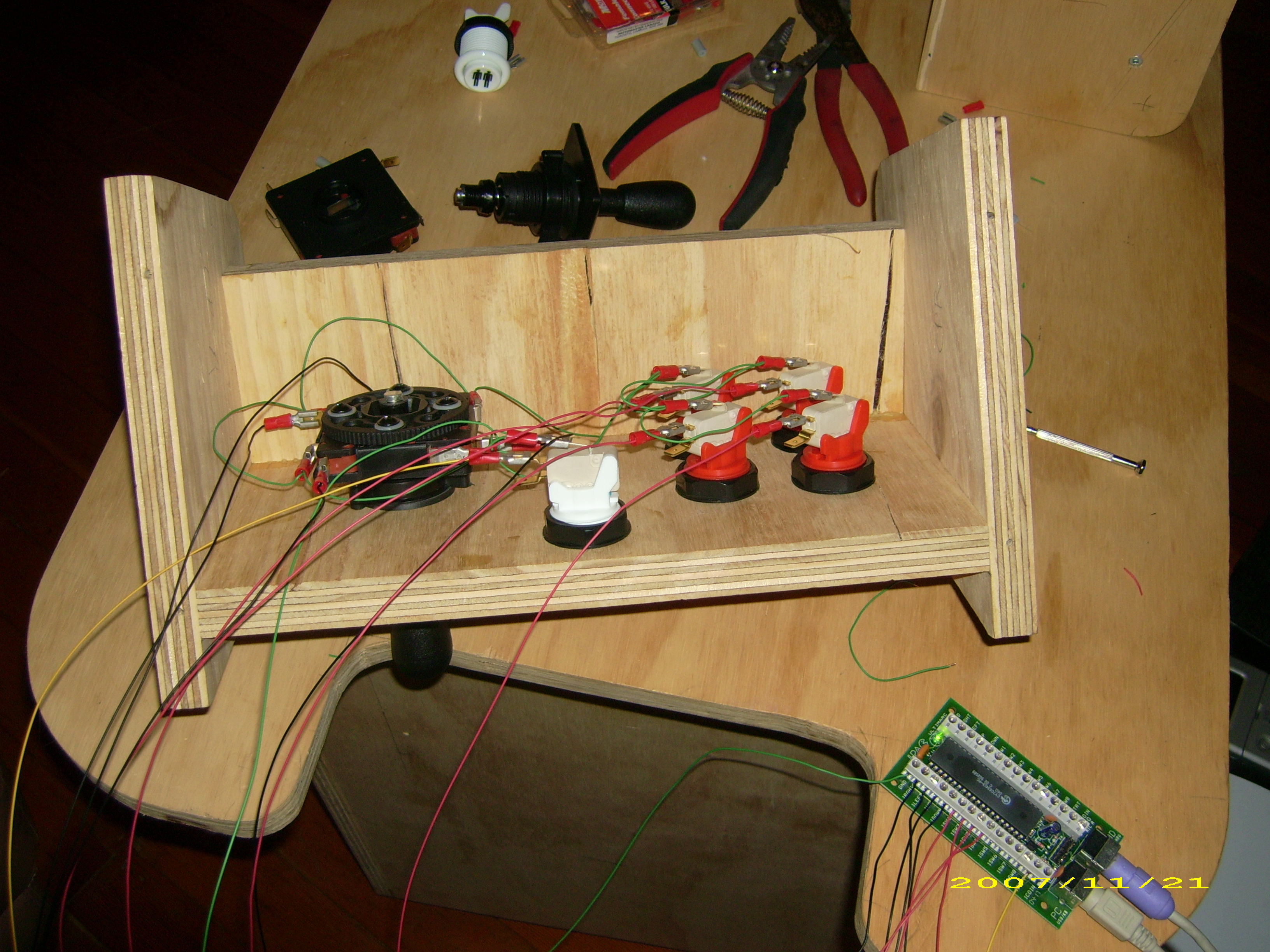
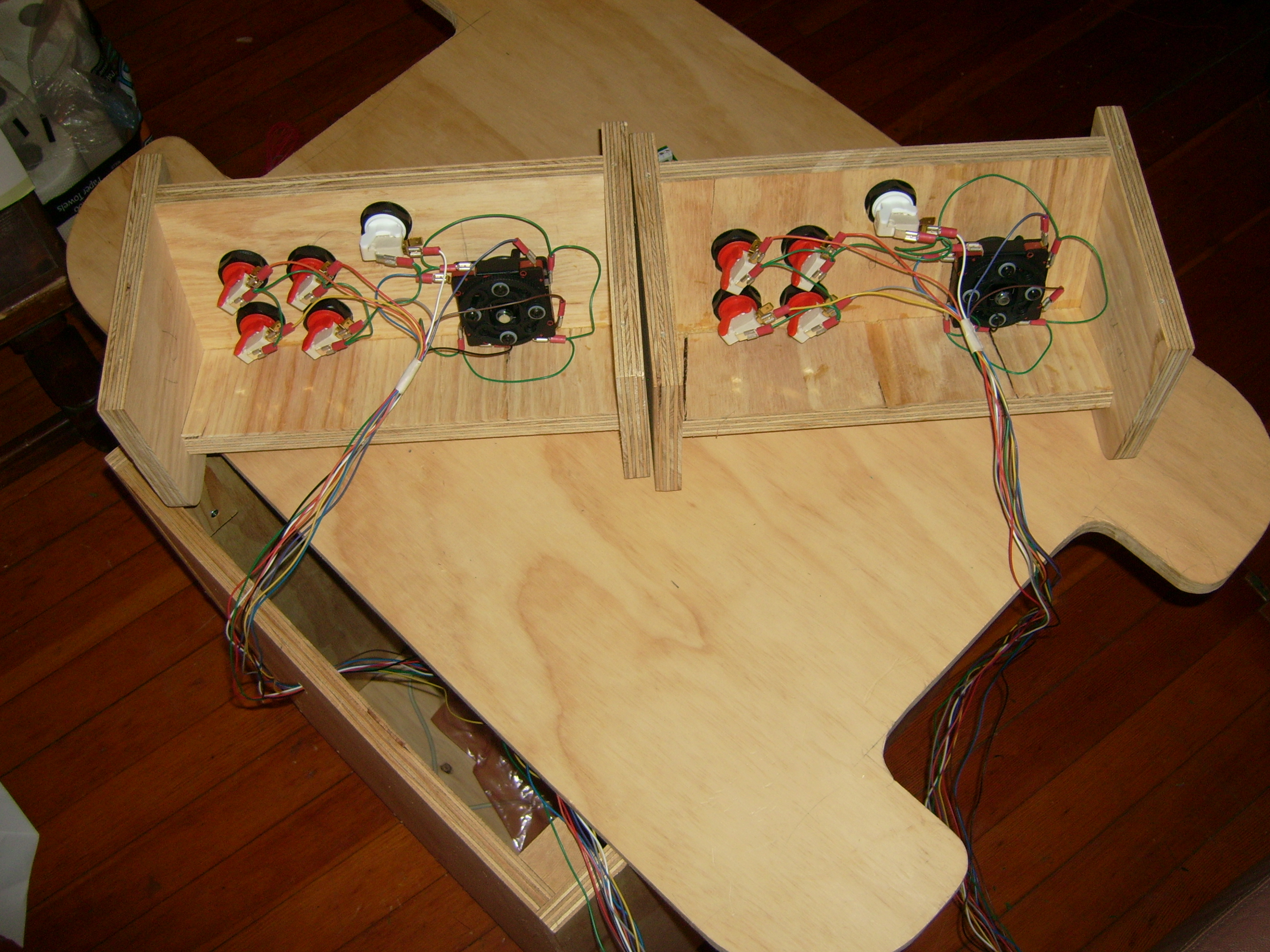
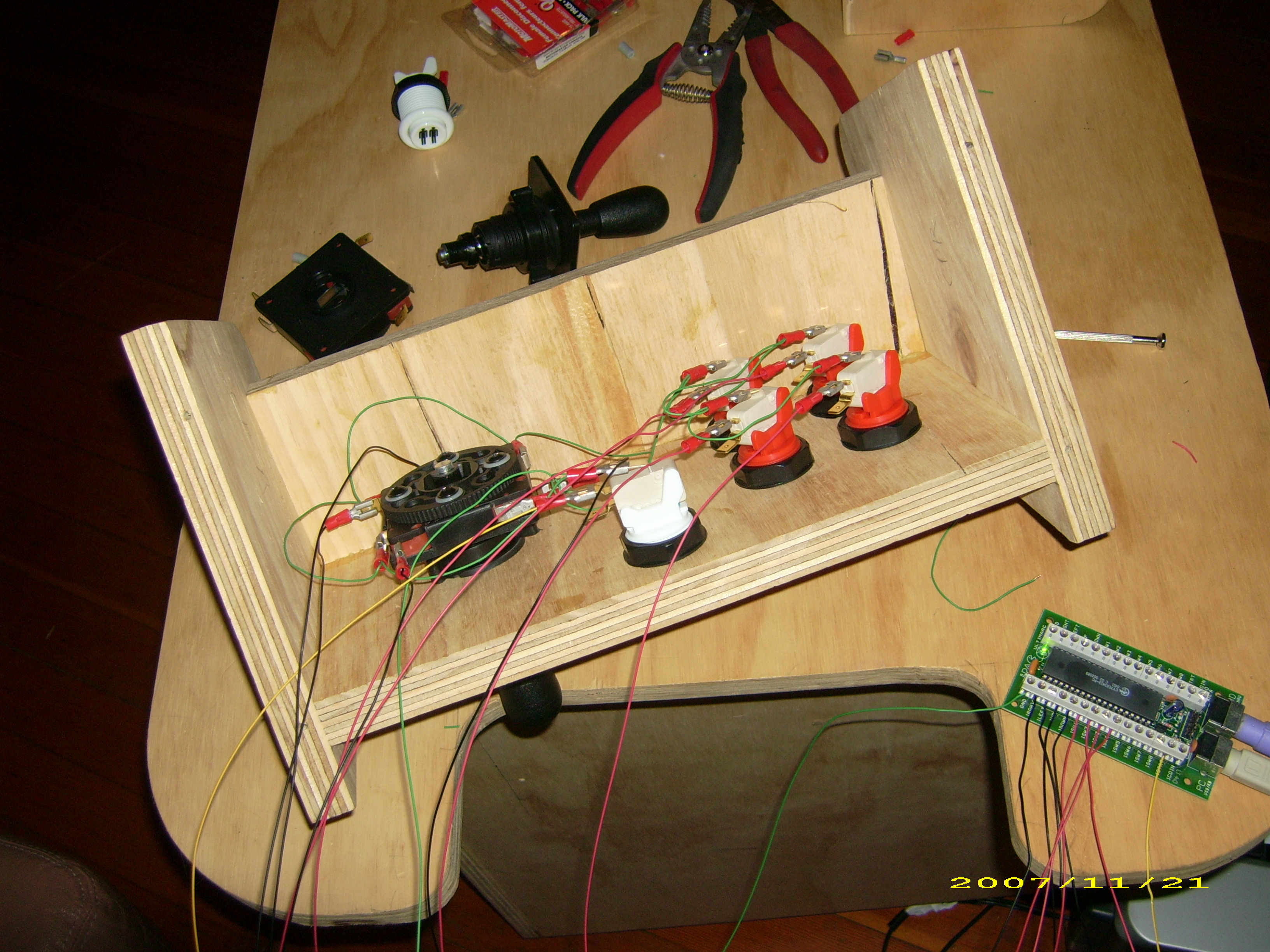
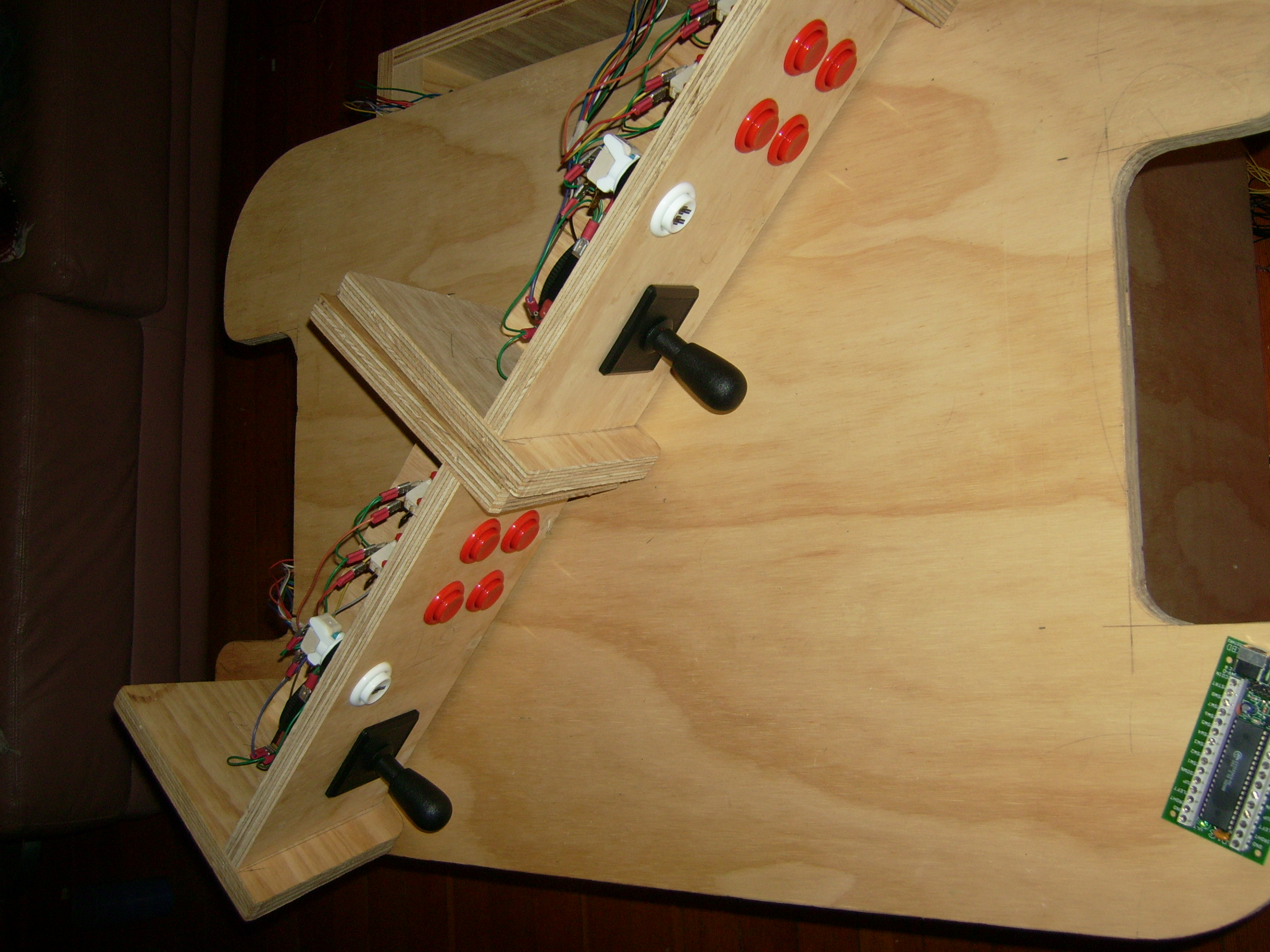
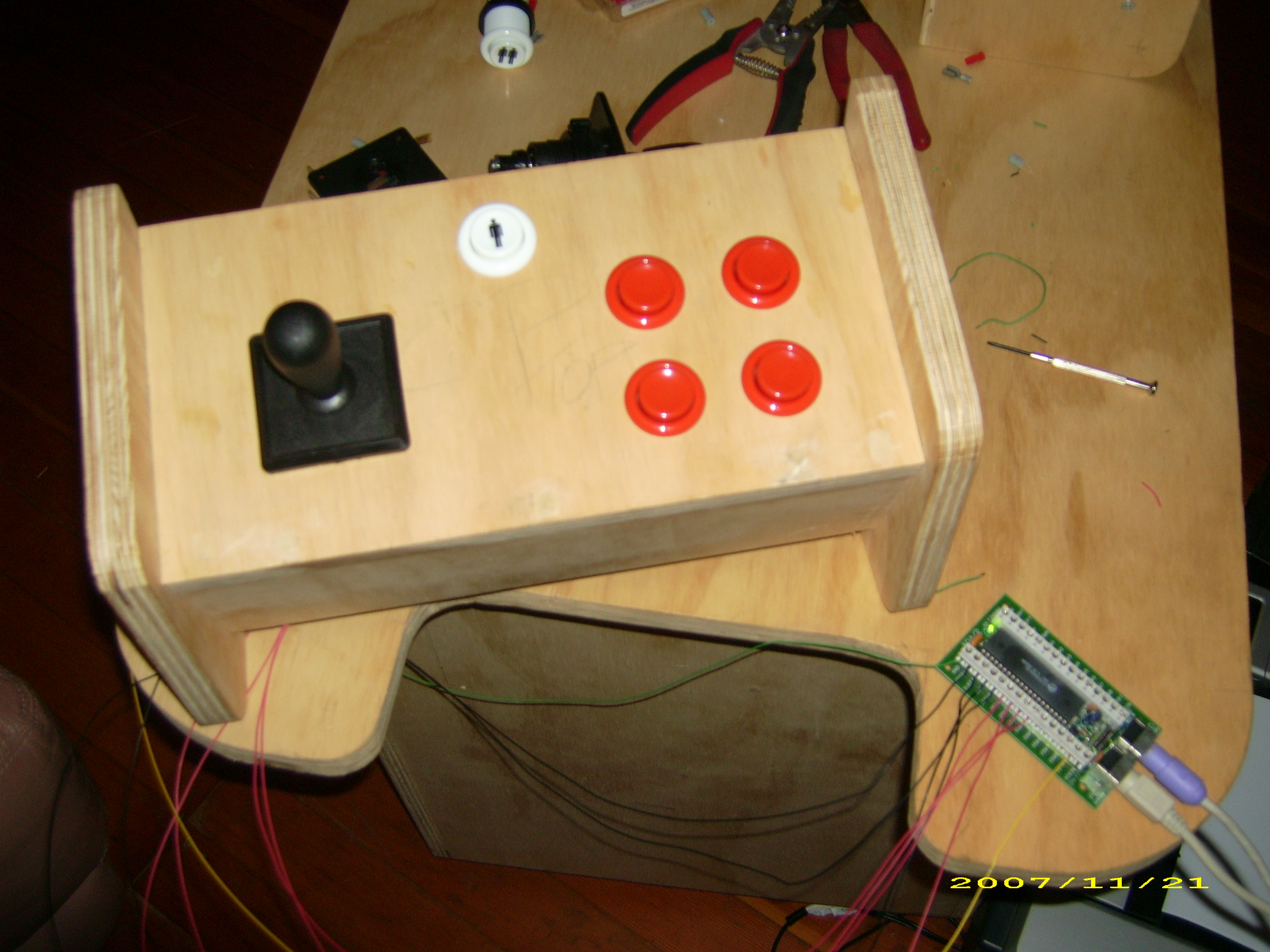
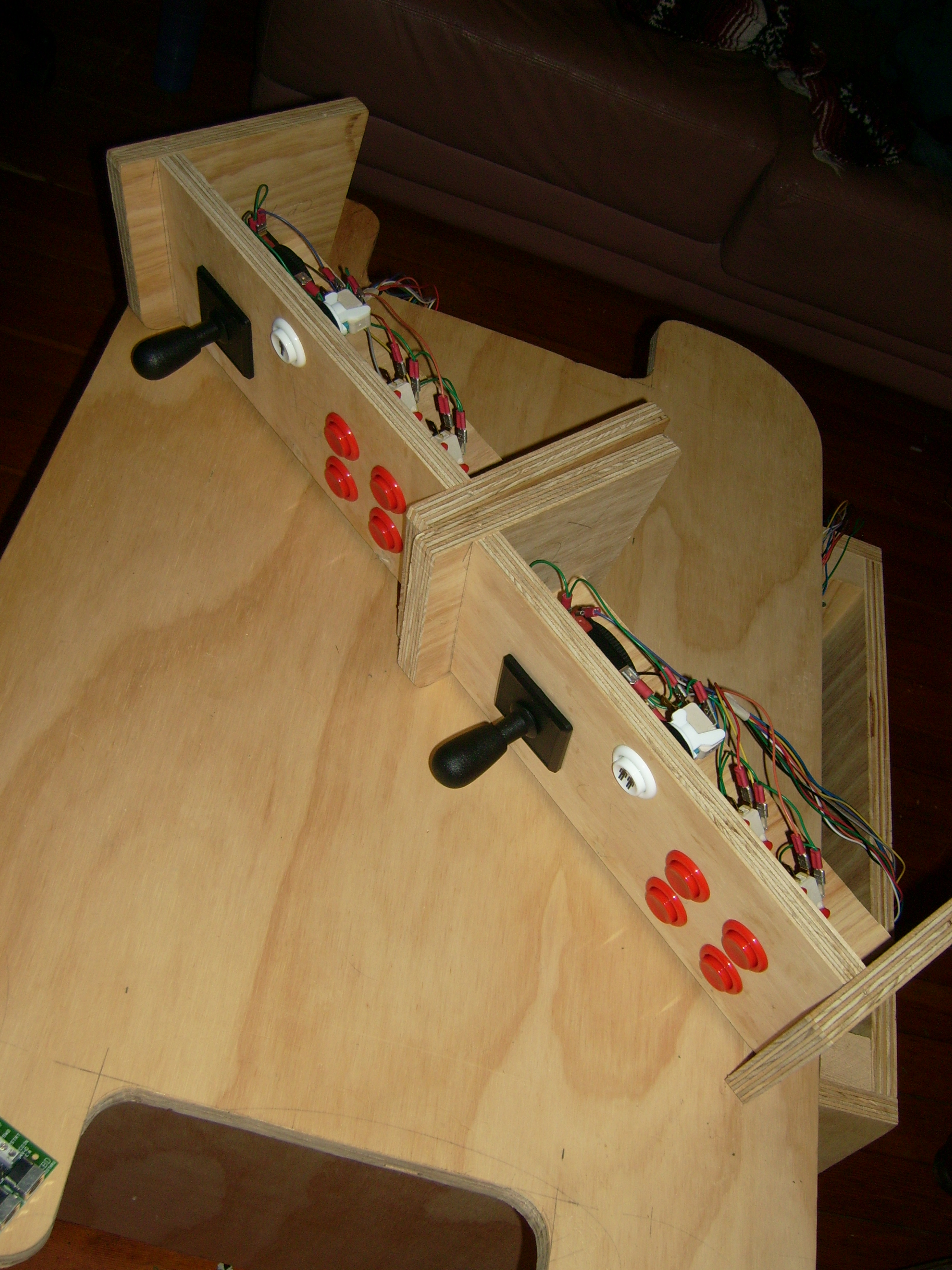
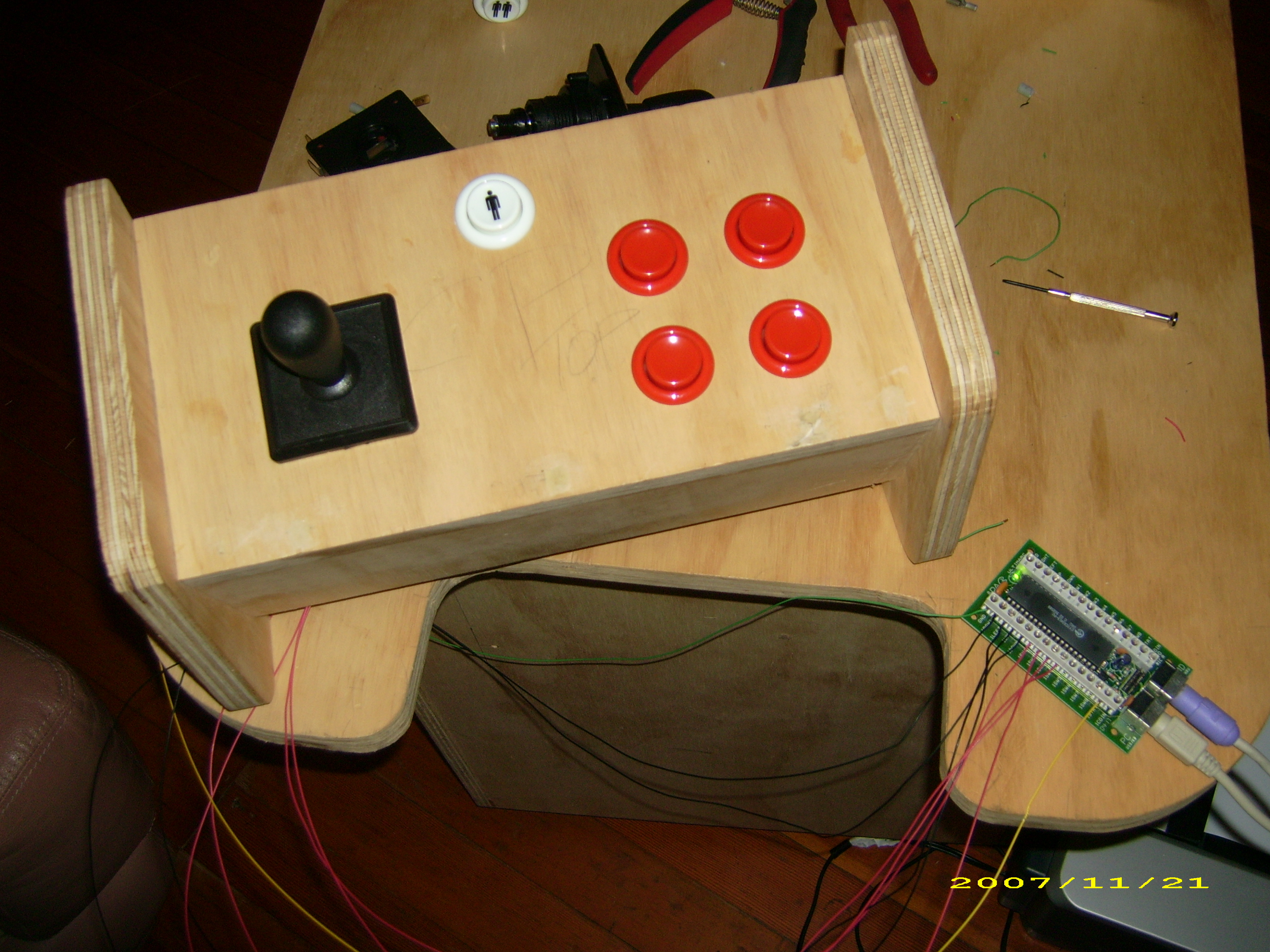
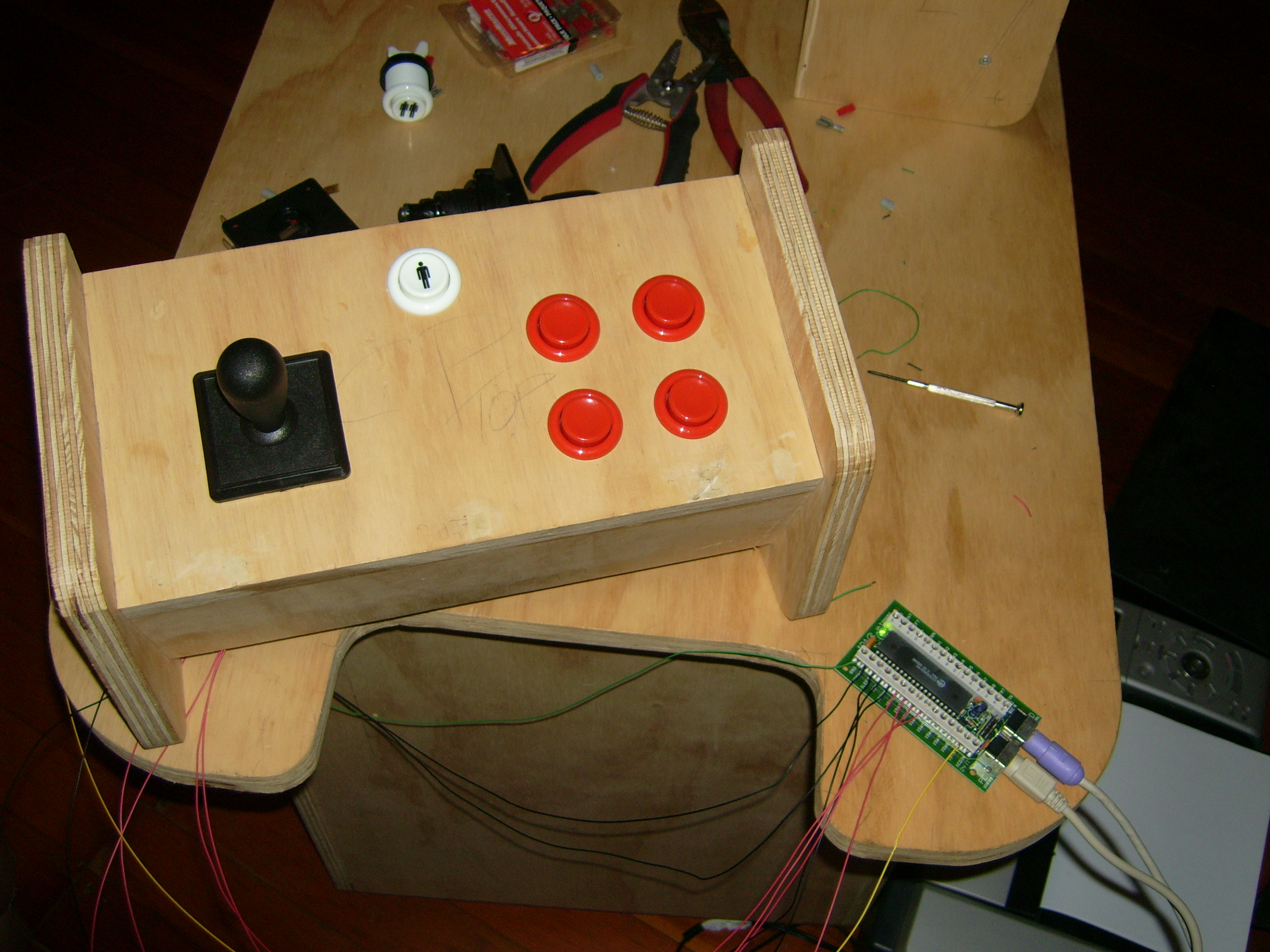
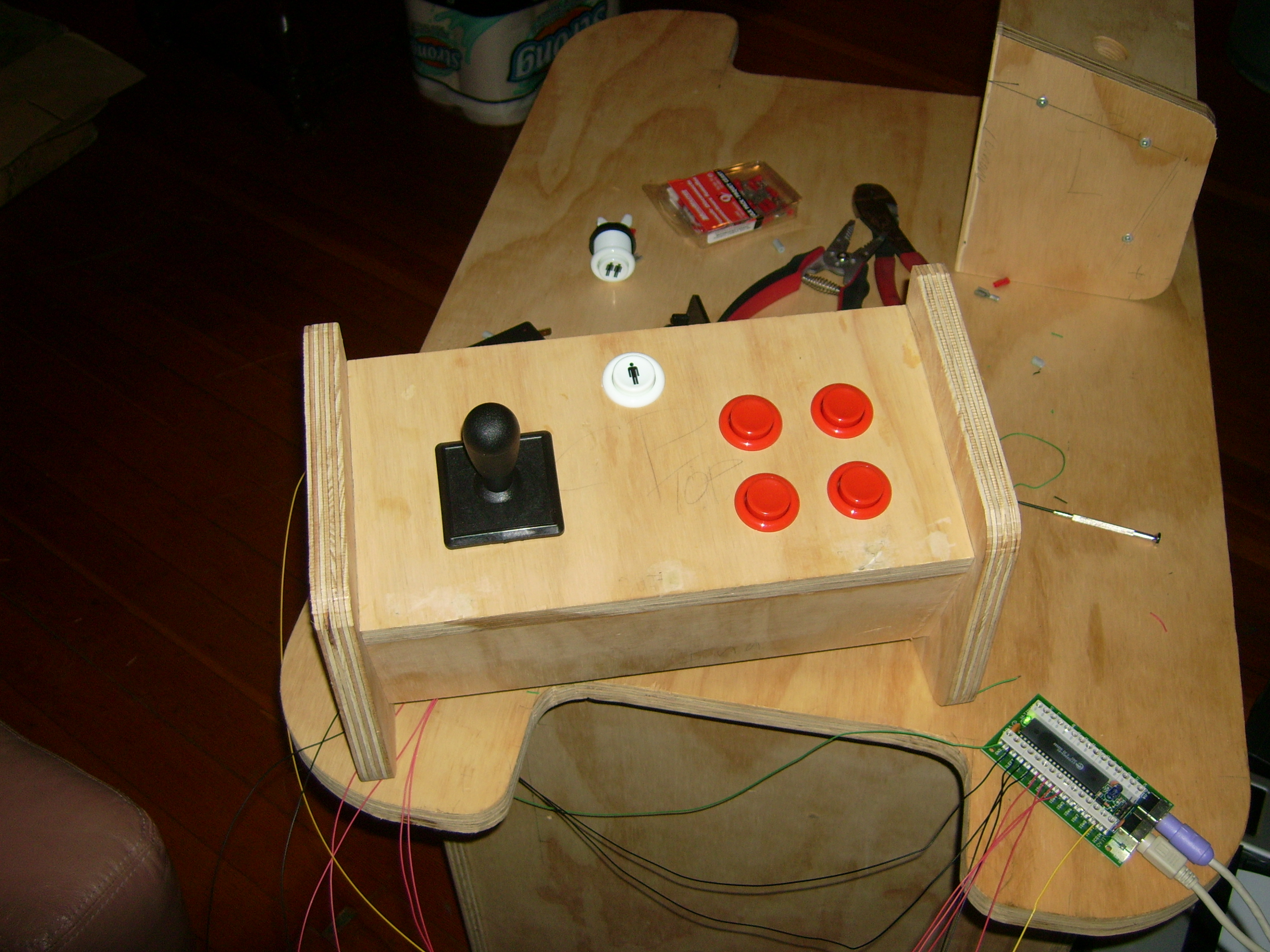
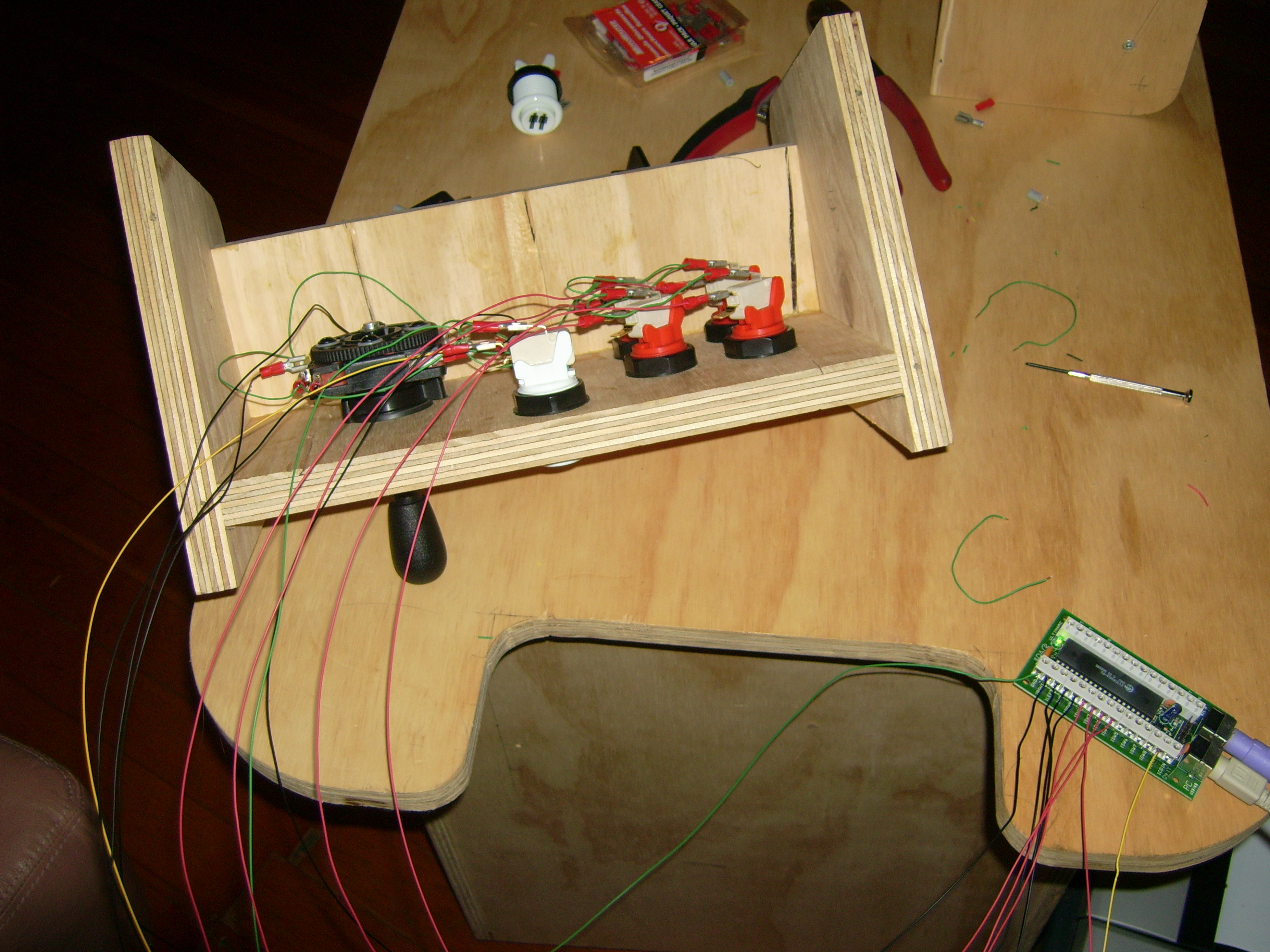
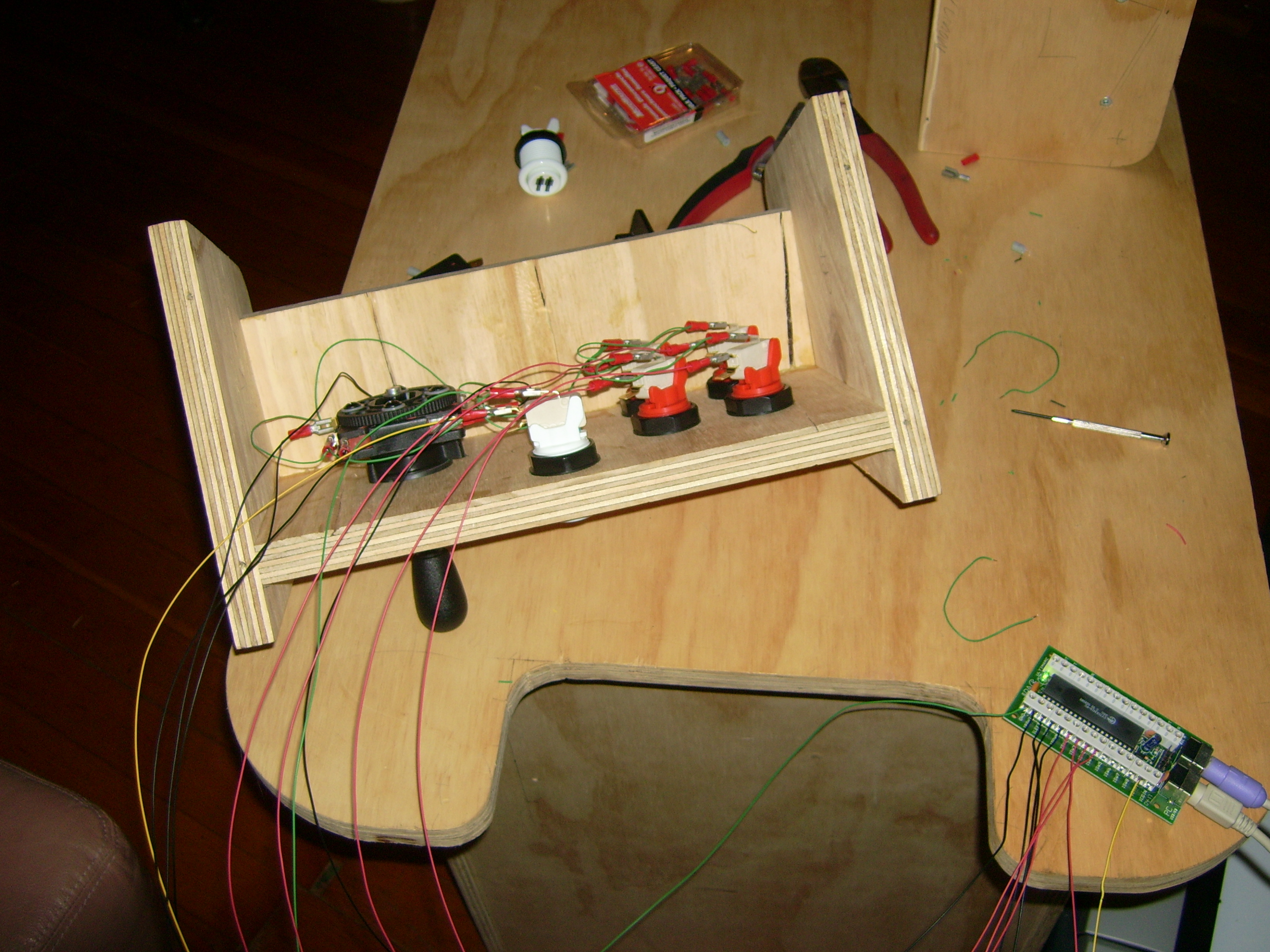
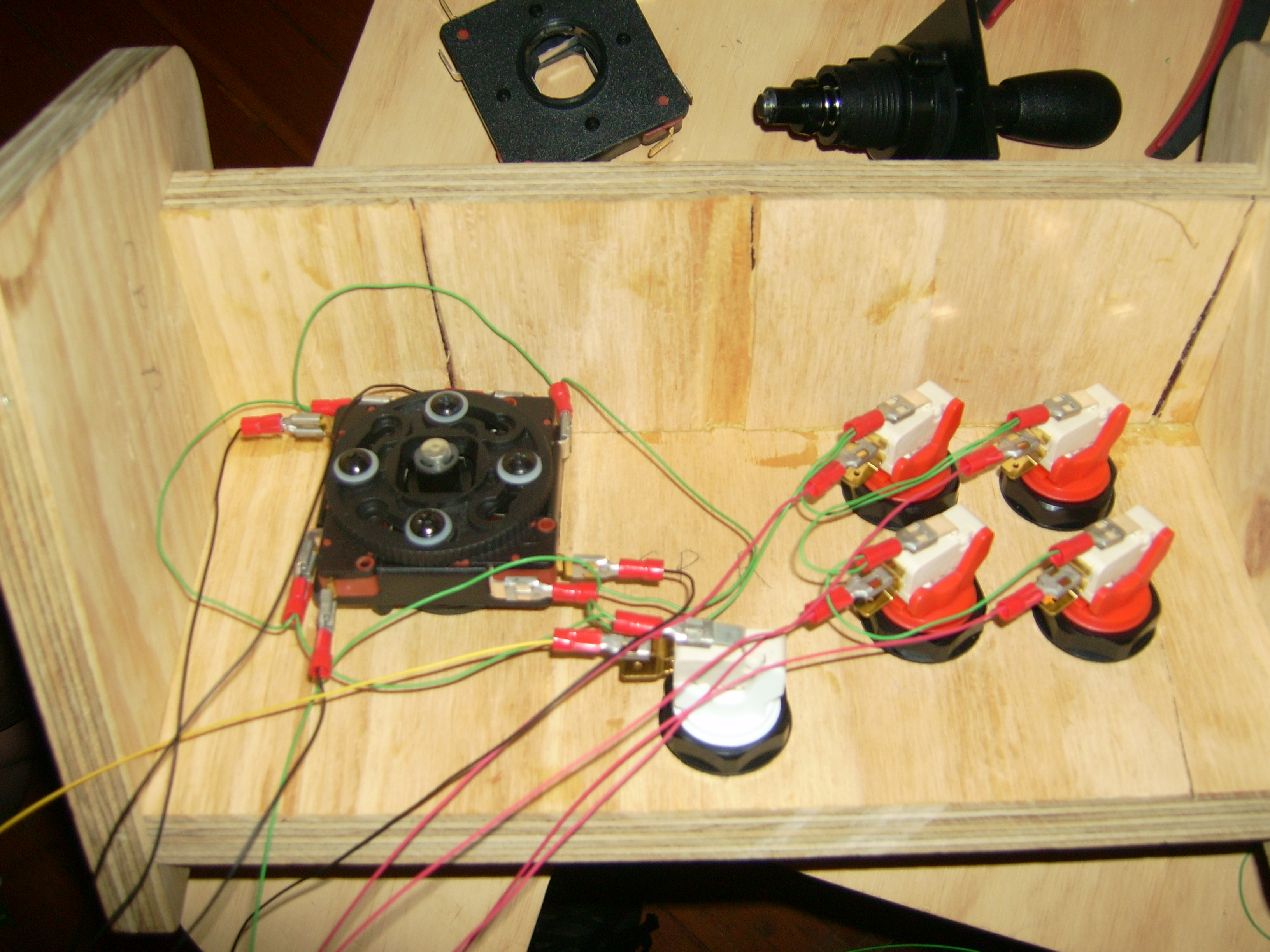
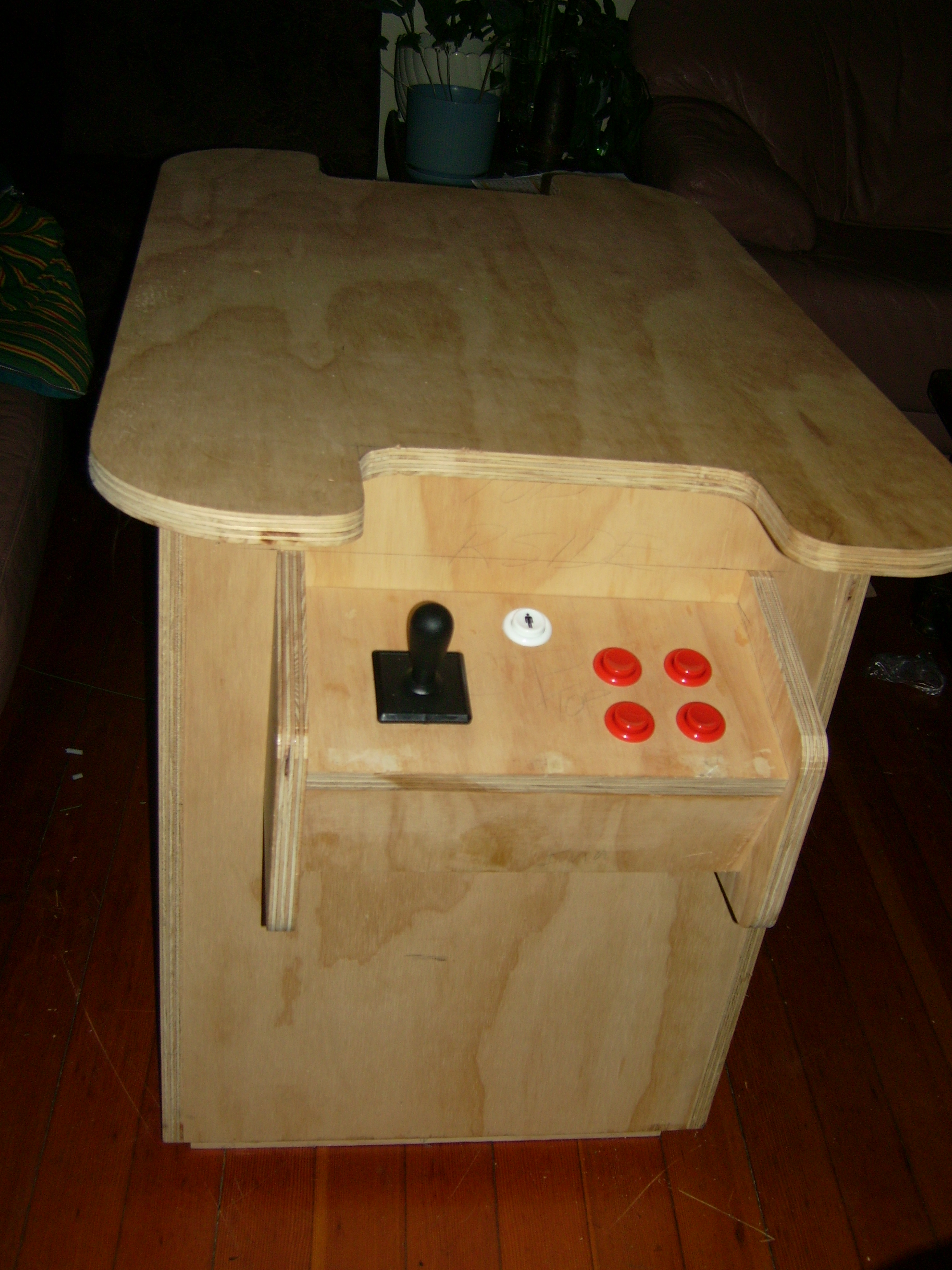
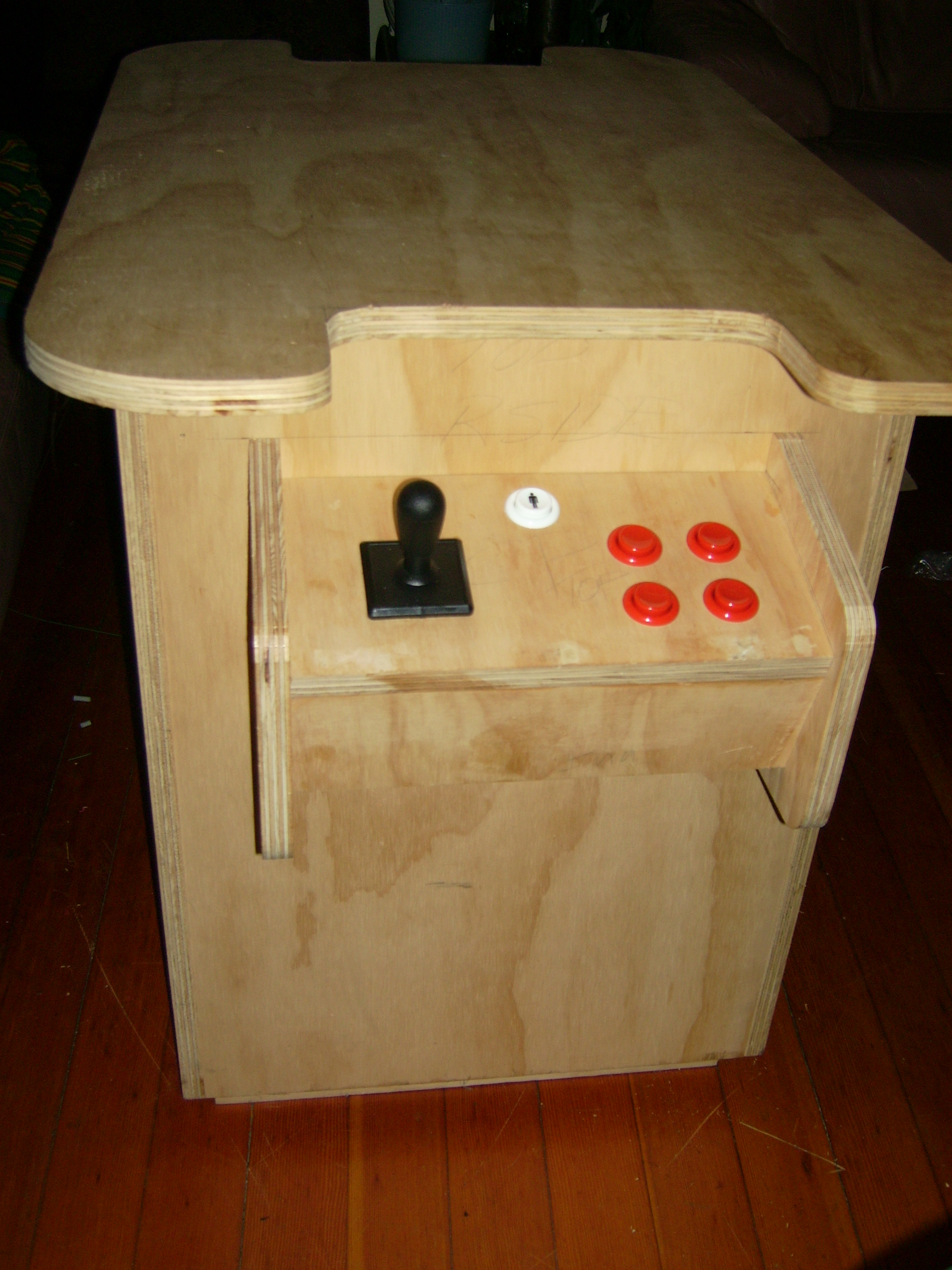
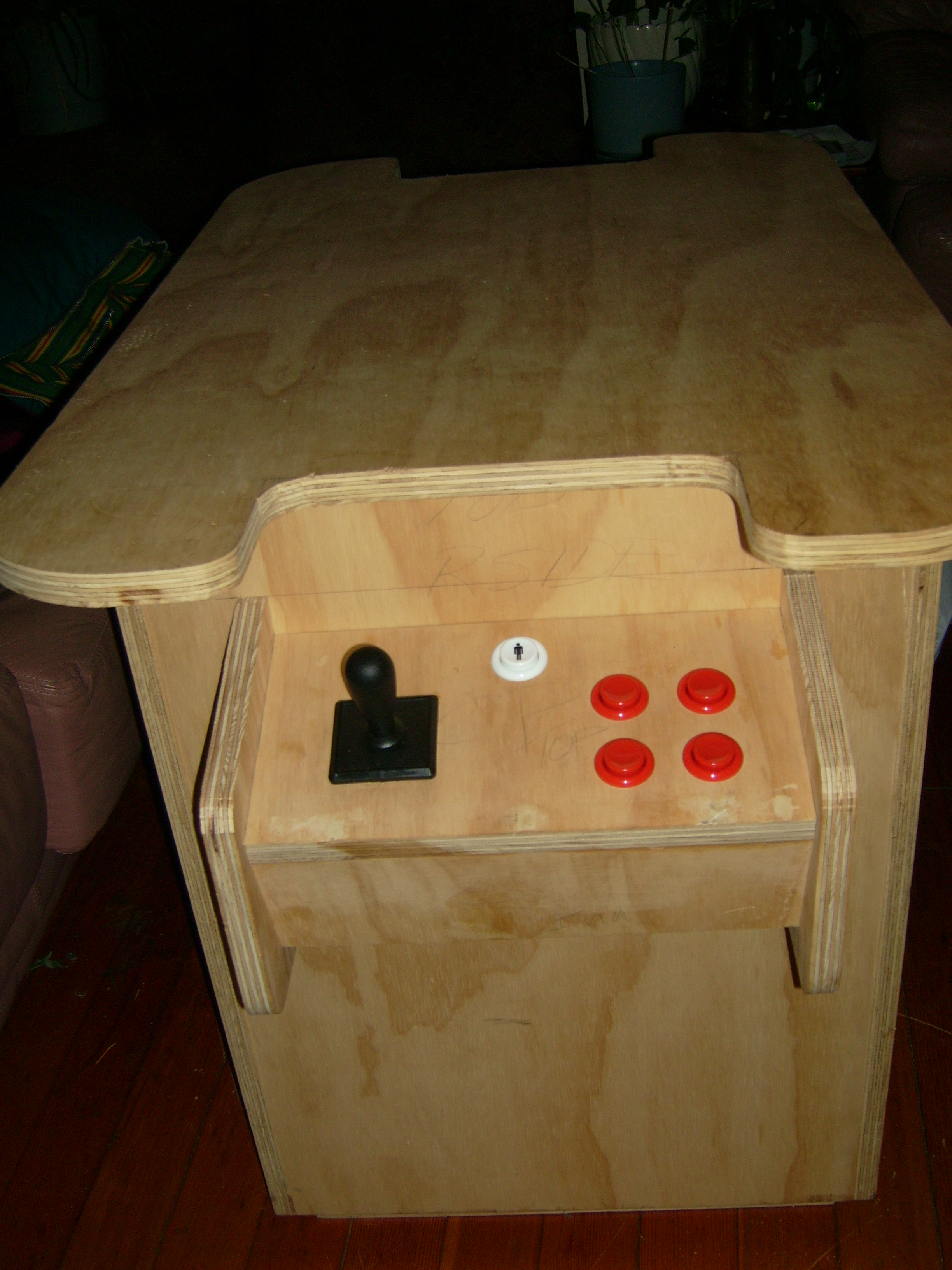
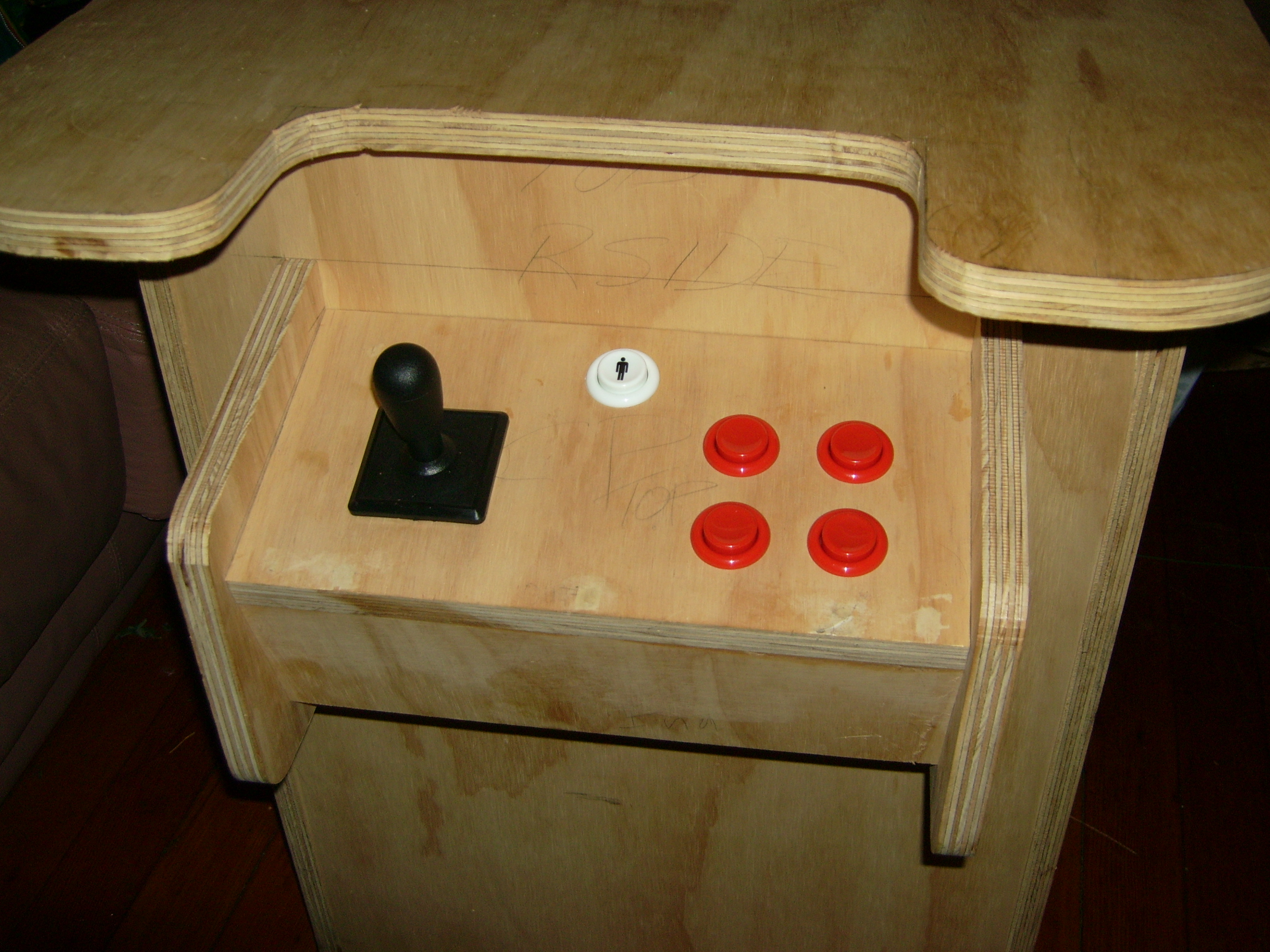
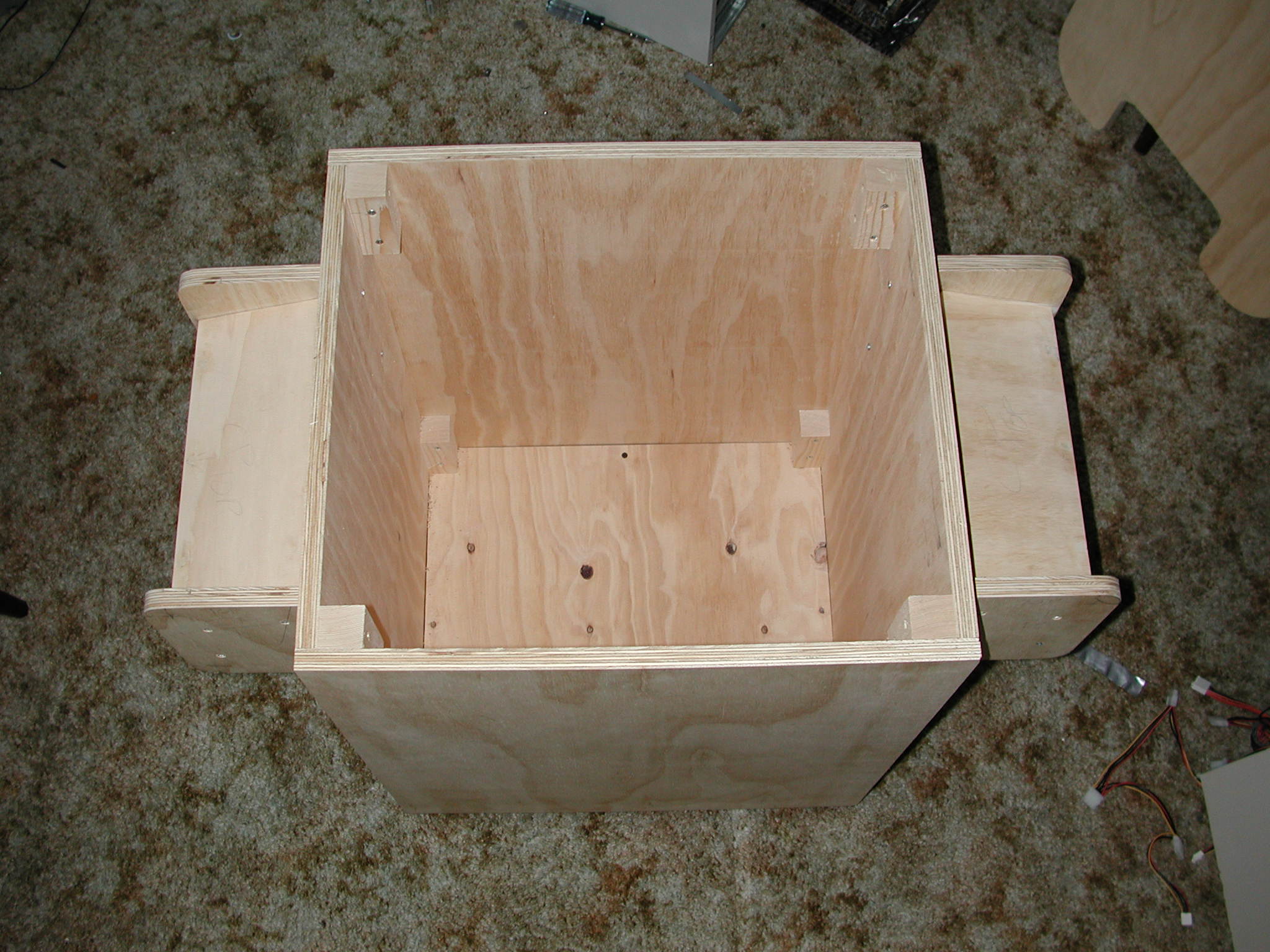
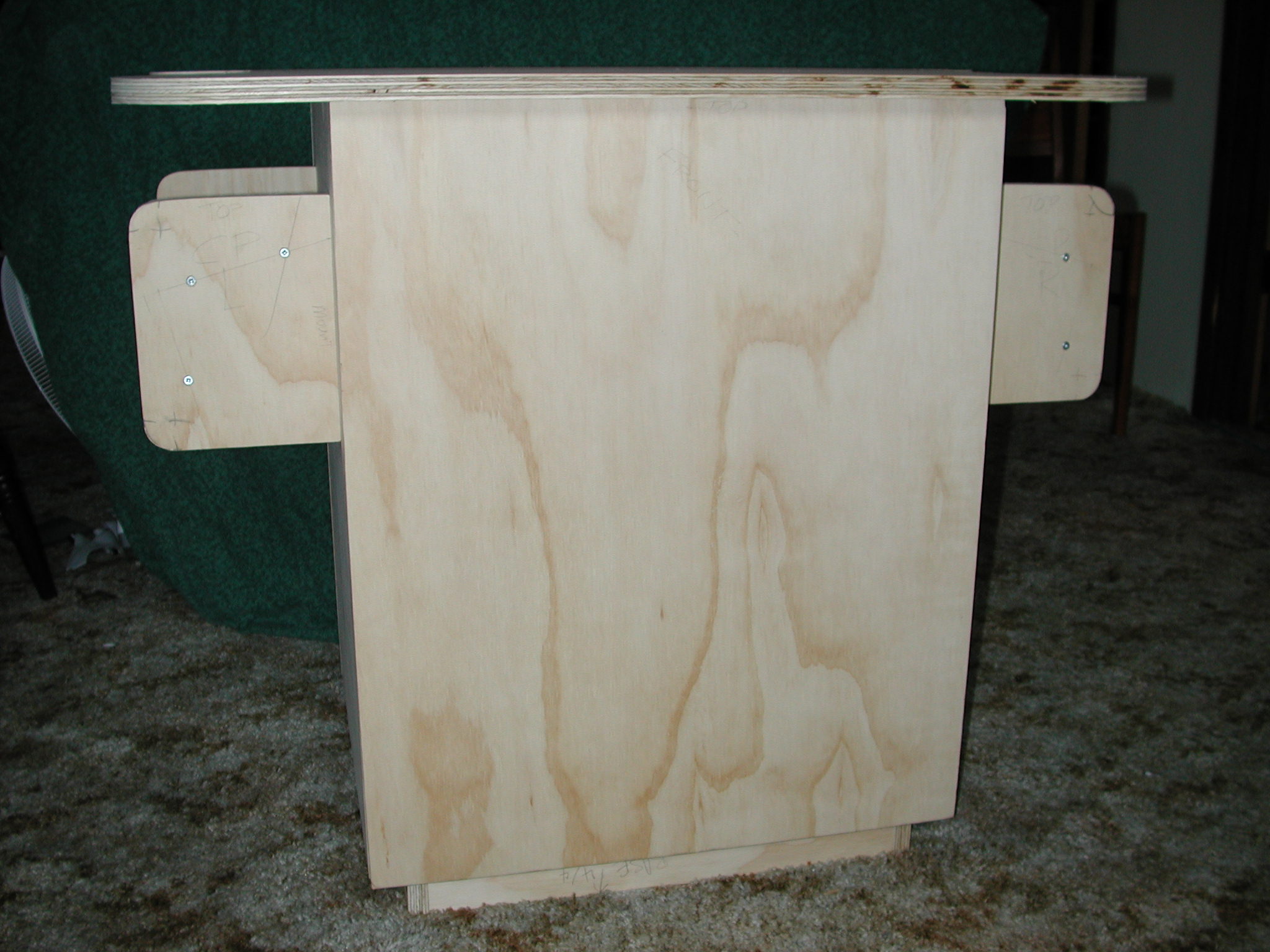
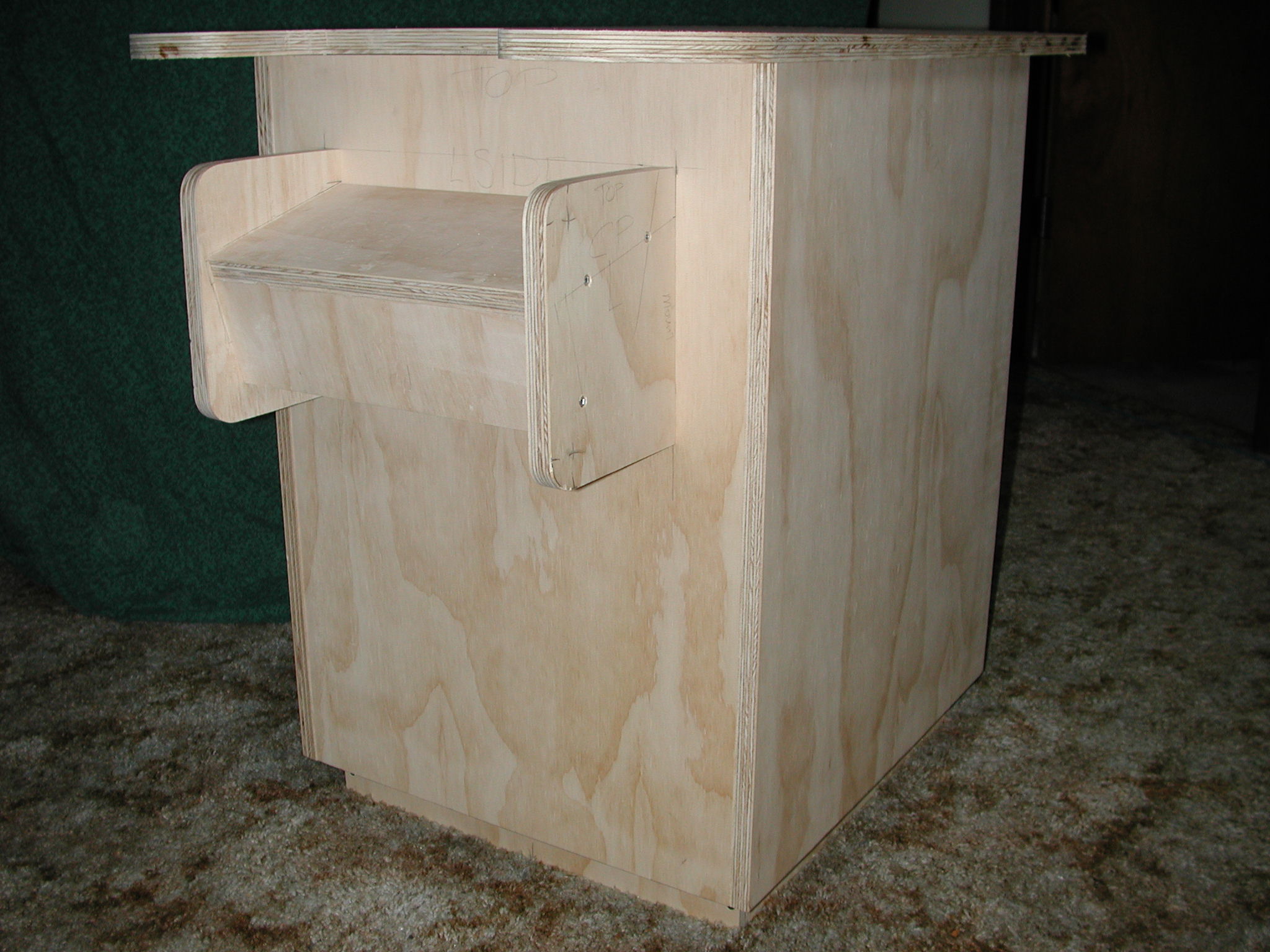
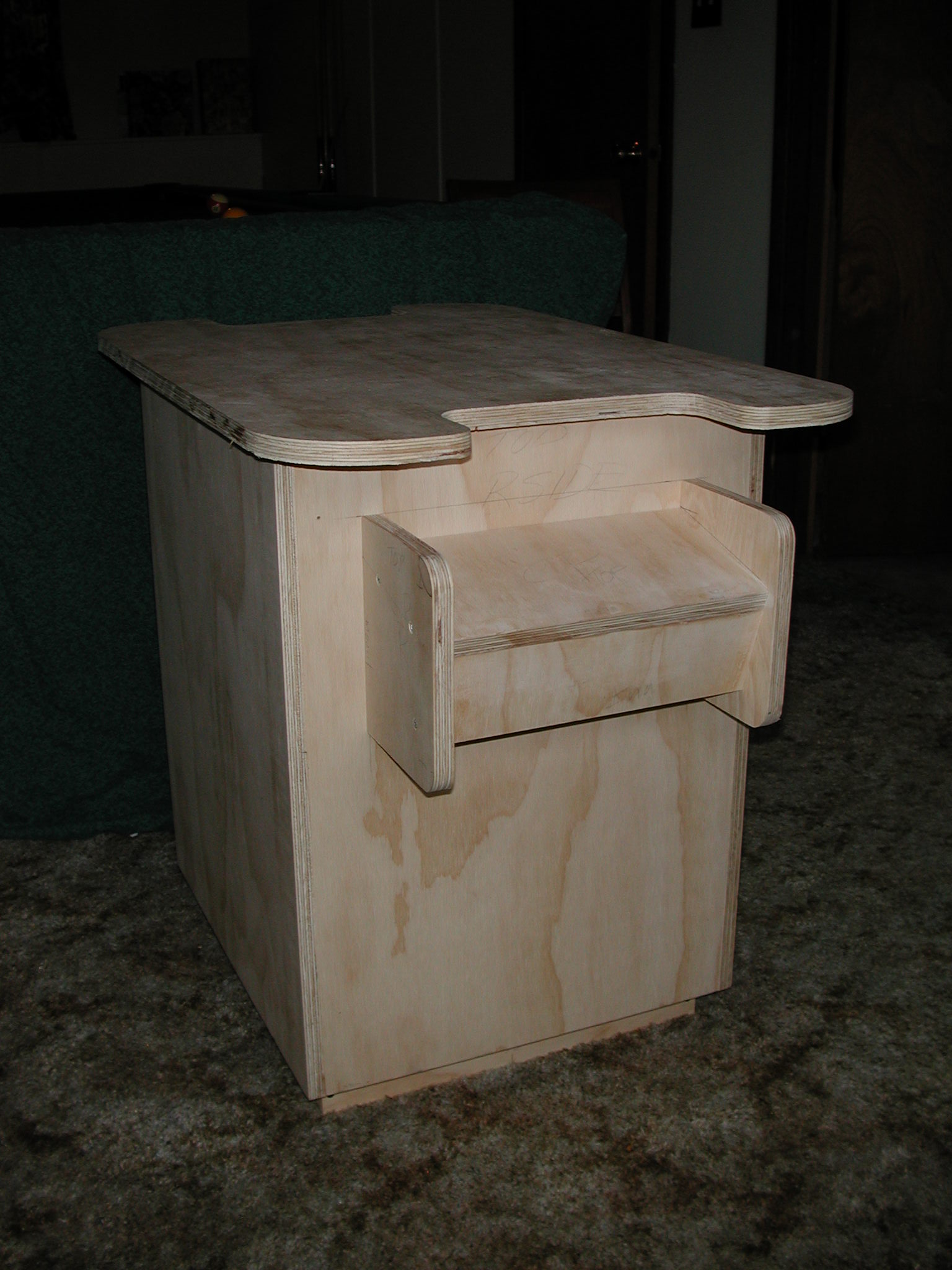
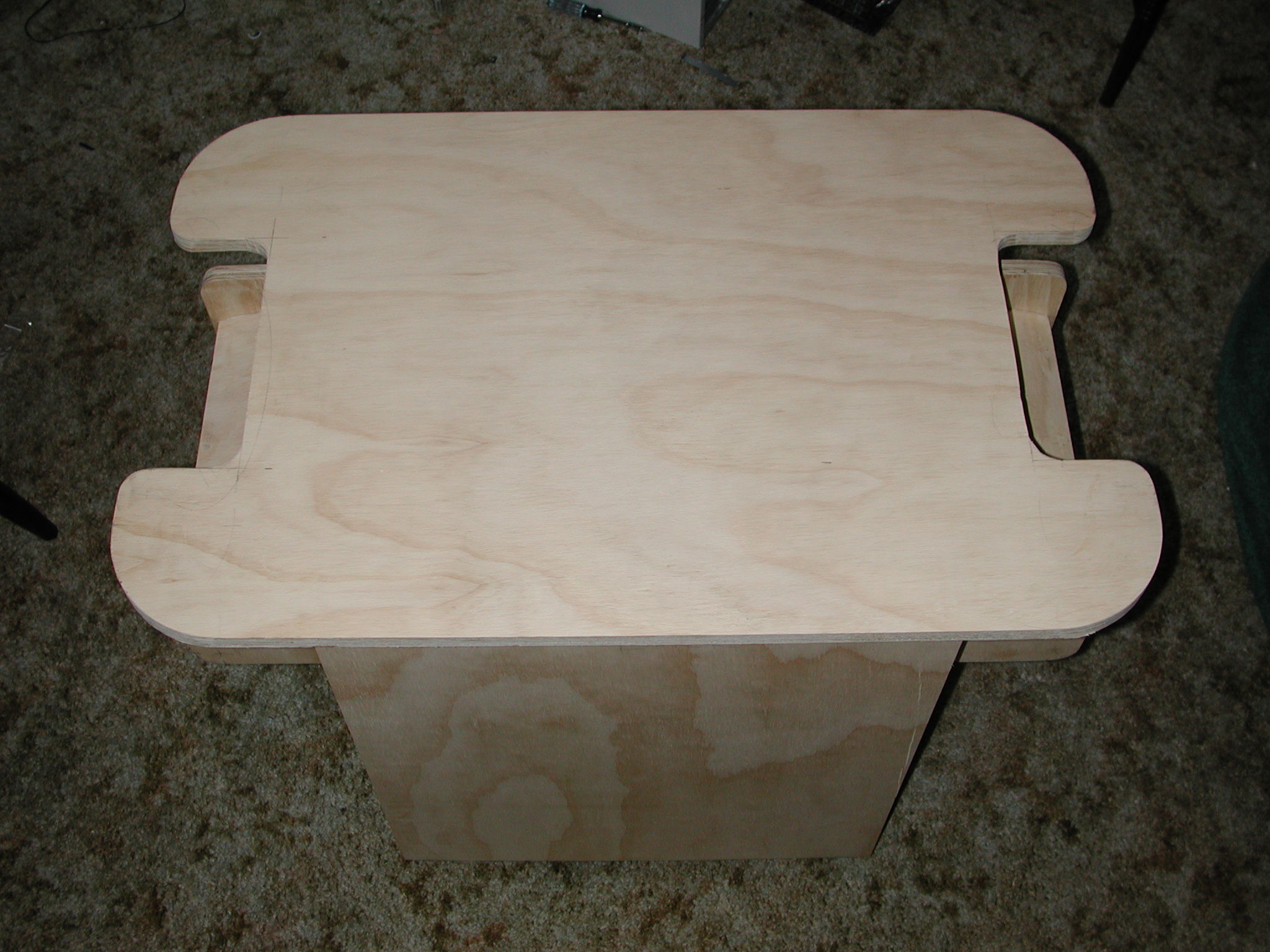
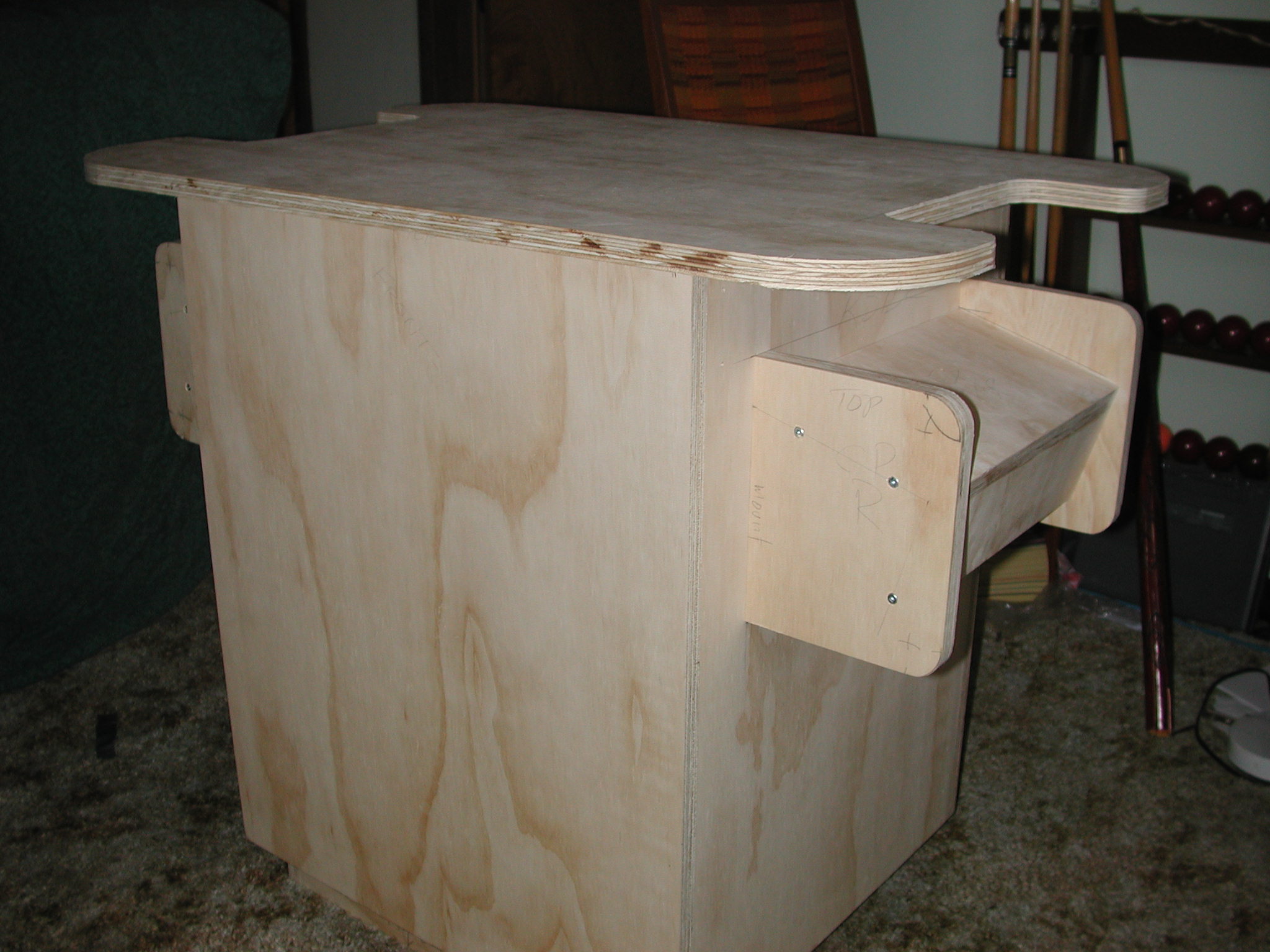
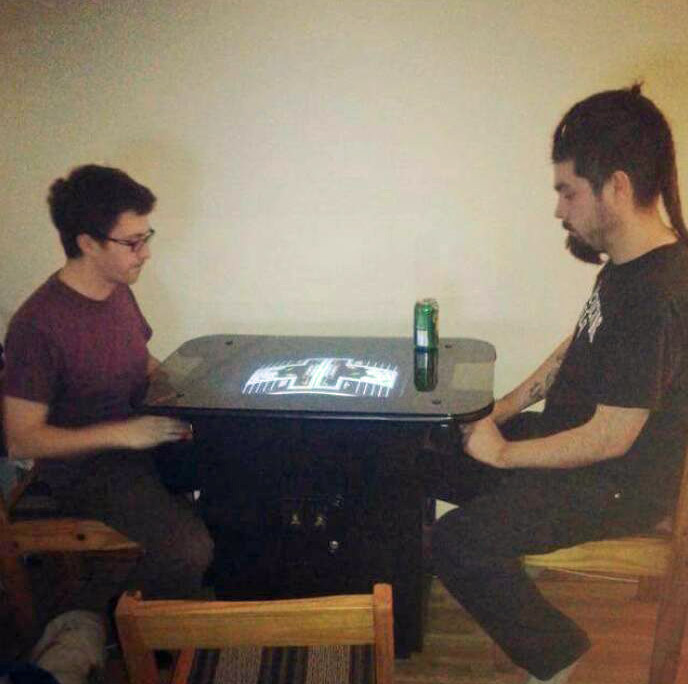
Patrick's tech wizardry resulted in some amazing "Salacious Crumb Projects," like the tabletop arcade and the Nintendo PC.